

The Suite
The whole making of a film, in one suite.
Write it, board it, generate it, shoot it, cut it, score it, finish it, remaster it and send it to every screen — inside the same production, with a budget on every generation and a record of every asset.
Ten stages of making
Every stage, one place.
Stage 01 of 10
Write
The screenplay, co-written live, in the format the industry reads.
41 tools across the Suite · 9 in use today, the rest being built
Script Design
AvailableA screenplay editor built for production, not just for the page.
- Industry formatting and true pagination
- Locked scenes and numbers that never shift
- Tracked changes, comments and snapshots
- The breakdown reads straight from it
Live co-editing with visible cursors
AvailableWrite together in real time, with everyone’s cursor on the page.
- Live co-editing on the same draft
- See who is where in the script
- No more emailing versions
Document types
AvailableEvery document a production writes, in one place.
- Screenplay, treatment, bible, breakdown
- One format system for all of them
PrimeOS
AvailableAn assistant that works inside the script and documents — priced before every call.
- Draft, rewrite and summarise in place
- A per-call ceiling asks before anything expensive
- Counts against the person’s budget
Revision mode
ComingRevision mode the way productions run it.
- Coloured revision pages
- Asterisks on changed lines
- OMITTED scenes held in place
Final Draft (FDX) import and export
ComingBring Final Draft scripts in and send them out, intact.
- FDX import with formatting preserved
- FDX export for anyone still on Final Draft
Import from Fountain, PDF and Word
ComingStart from whatever the writer already has.
- Fountain, PDF and Word import
- Scenes and elements recognised on the way in
An assistant that learns one writer’s own style, with consent
ComingAn assistant that learns one writer’s own voice — with their consent.
- Trained on the writer’s own work only
- Suggestions in their style, not a generic one
Write
The screenplay, co-written live, in the format the industry reads.
Script Design
AvailableA screenplay editor built for production, not just for the page.
- Industry formatting and true pagination
- Locked scenes and numbers that never shift
- Tracked changes, comments and snapshots
- The breakdown reads straight from it
Live co-editing with visible cursors
AvailableWrite together in real time, with everyone’s cursor on the page.
- Live co-editing on the same draft
- See who is where in the script
- No more emailing versions
Document types
AvailableEvery document a production writes, in one place.
- Screenplay, treatment, bible, breakdown
- One format system for all of them
PrimeOS
AvailableAn assistant that works inside the script and documents — priced before every call.
- Draft, rewrite and summarise in place
- A per-call ceiling asks before anything expensive
- Counts against the person’s budget
Revision mode
ComingRevision mode the way productions run it.
- Coloured revision pages
- Asterisks on changed lines
- OMITTED scenes held in place
Final Draft (FDX) import and export
ComingBring Final Draft scripts in and send them out, intact.
- FDX import with formatting preserved
- FDX export for anyone still on Final Draft
Import from Fountain, PDF and Word
ComingStart from whatever the writer already has.
- Fountain, PDF and Word import
- Scenes and elements recognised on the way in
An assistant that learns one writer’s own style, with consent
ComingAn assistant that learns one writer’s own voice — with their consent.
- Trained on the writer’s own work only
- Suggestions in their style, not a generic one
Visualise
Boards, moodboards and shot lists — then frames and animatics generated from them.
Storyboards
AvailableStoryboards tied to the script and the schedule.
- Boards, shots and shot types
- Prompts kept with every frame
- Reorder by drag
Moodboards
ComingMoodboards that live with the production, not in a separate app.
- References, looks, palettes and lighting
- Pinned to scenes and shots
- Shared with the client in your brand
Shot lists feeding the schedule
ComingShot lists that feed the schedule directly.
- From the board to the shot list
- Each shot ready for the Stage to generate
Storyboard frame generation and animatics
ComingGenerate the board itself — frames and animatics from the script.
- Frames generated from each shot’s prompt
- Animatics with timing from the script
- Runs through the Stage’s budget and record
Live co-editing for storyboards and workflows
ComingLive co-editing for boards and workflows too.
- The whole team on one board at once
- Cursors, not version files
The Stage
Image and video generation inside the production — every major model, one gate, a budget and a record.
The Stage
ComingImage and video generation inside the production — every take a version, every result costed.
- Text-to-image, image-to-video, text-to-video
- Takes and versions kept like footage
- Cost per result shown before and after
- Output lands in the vault, filed to the production
Every major model through one gate
ComingEvery major model through one gate, chosen by what the shot needs.
- One place instead of a subscription per model
- Routing by capability — swap models without changing workflow
- No lock-in to any single provider
Model Arena
ComingModel Arena — run the same prompt through several models and compare.
- Side-by-side results
- Cost and time for each
- Pick the winner, keep the record
Studio Kits
ComingStudio Kits — your studio’s looks, characters and presets, reusable on every job.
- Save a look once, use it everywhere
- Share kits across the team
- Consistent output across productions
Continuity
ComingContinuity — the same character, location, wardrobe and style across every shot.
- Character and face consistency
- Locations and wardrobe held between shots
- A style that does not drift
Provenance per generated image and video
ComingProvenance on every generated asset.
- Which model made it, from what prompt and seed
- C2PA-aligned records
- A disclosure your client can rely on
3D scenes from generated imagery
ComingTurn generated imagery into 3D scenes.
- From a frame to a scene you can move through
- A bridge to virtual sets
Hybrid
Live action and generated shots in one cut — with a signed release behind every face.
Hybrid production
ComingHybrid production — live action and generated shots in one cut, with rights on both.
- Filmed and generated shots in the same production
- Every likeness backed by a signed release
- One record for what was filmed and what was made
Rights per asset
AvailableRights on every asset, written by the signature that proves them.
- Likeness, location and music rights per asset
- AI-training permission stated, defaulting to not allowed
Releases
AvailableReleases that write the rights they prove.
- Talent, AI-likeness, location and music releases
- Signed on a phone through a single-use link
Clearance panel
AvailableA clearance panel that tells the client what they must disclose.
- Synthetic performers flagged
- Disclosure obligations stated plainly
Workflows
Pipelines you compose once and run on every production — and agents that run them.
Workflows
ComingWorkflows — generation pipelines and automations you compose once and run on every production.
- Chain script, board, generation and delivery steps
- Run on a schedule or a trigger
- Every step inside the budget and the record
Agents
ComingAgents that act as an executive producer or a director’s assistant.
- Run workflows on your instruction
- Report back on the record
- Inside the same permissions as a person
Sound
Music, effects and dialogue — generated, designed and mixed.
Sound
ComingMusic, effects and dialogue — generated for the scene.
- Score and music beds
- Sound effects
- Dialogue and voice
Sound design
ComingSound design — spotting, ADR and the mix.
- Spot the cut for sound
- ADR sessions
- Mix to delivery
A licensed effects library
ComingA licensed effects library inside the Suite.
- Cleared effects ready to drop in
- Licences recorded per use
Edit and finish
Assemble the cut, hand it to the editor and back, then grade, caption and deliver.
Edit
ComingEdit — an assembly surface to build the cut from takes and generations.
- Assemble scenes from footage and generated shots
- Versions stacked and reviewable
Timeline hand-off to professional editors, and back
ComingHand the timeline to Resolve, Premiere or Final Cut — and bring it back.
- Round-trip with professional editors
- Notes and markers travel with it
Finishing
ComingFinishing — colour, grade, delivery specifications and captions.
- Grade and colour
- Captions and subtitles
- Deliver to spec for every platform
A full editor with two-way live sync
ComingA full editor with two-way live sync.
- Edit in the browser or the NLE
- Both stay in step
Remaster and adapt
Restore what you shot, and turn one master into every version the world needs.
Remaster
ComingRemaster — upscale and restore footage you already have.
- Upscale to higher resolutions
- Restore archive and damaged footage
- Clean noise and artefacts
Translation with lip-sync
ComingTranslate the film — with lip-sync that matches the new language.
- Dubbed dialogue in other languages
- Lips matched to the new audio
Aspect-ratio conversion at any length
ComingReframe any cut to any aspect ratio, at any length.
- 16:9, 9:16, 1:1, 4:5 from one master
- Subject-aware reframing
Variant output
ComingOne master, every version — cutdowns, captions and localisations.
- 6, 15 and 30-second cutdowns
- Captioned and localised variants
- Delivered in the same production
Worlds
Full 3D virtual sets — roamable, for a whole film.
Studio
ComingStudio — full 3D virtual sets for your production.
- Build or generate a set
- Light and frame shots inside it
Roamable interactive sets for a whole film
ComingRoamable, interactive sets for a whole film.
- Walk the set like a location scout
- Block scenes before you shoot
Hire a film architect to build the set
ComingHire a film architect to build the set for you.
- Commission a set from a specialist
- Delivered into your production
Keep
Every asset the studio holds, with its rights and where it came from.
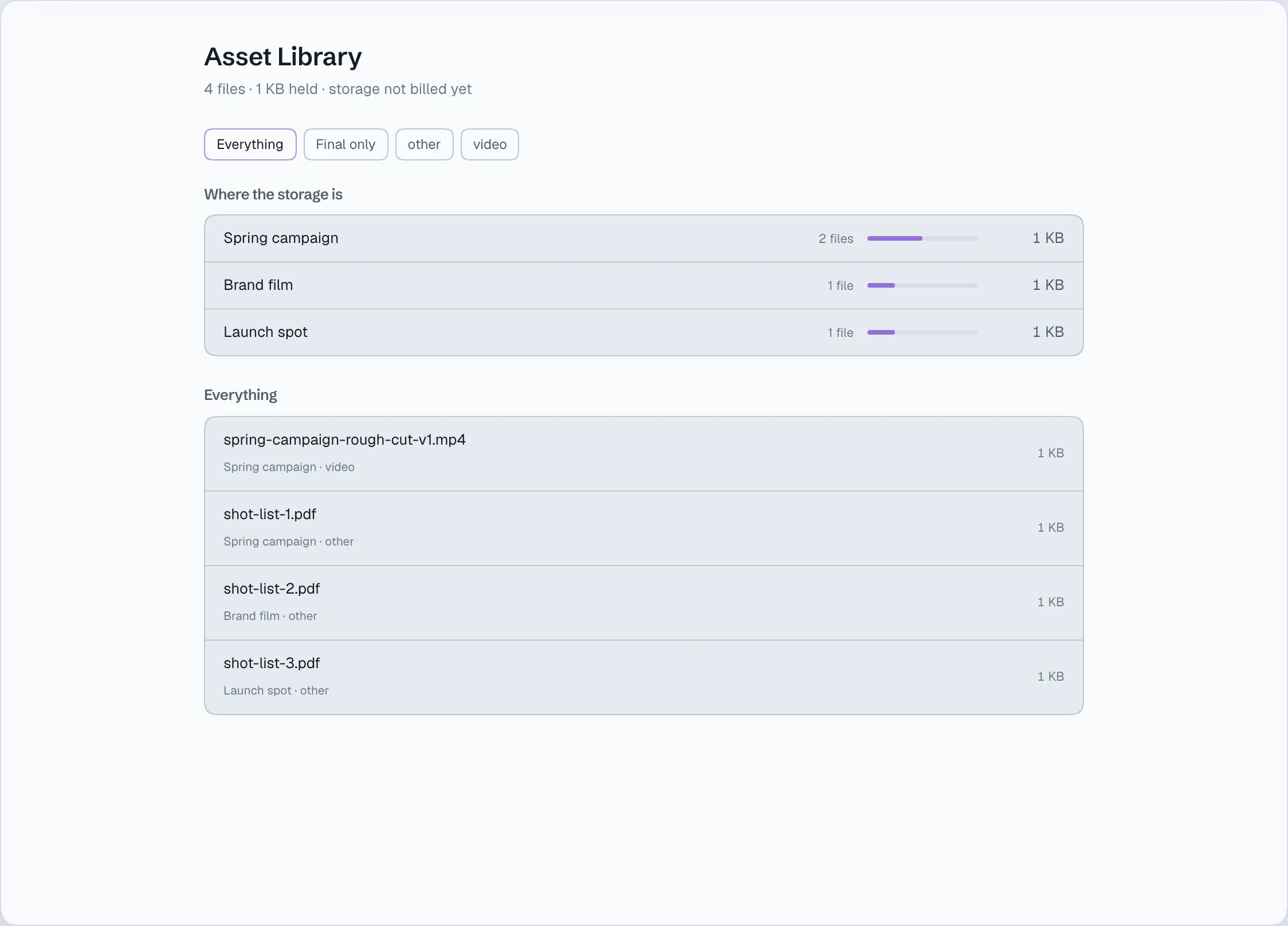
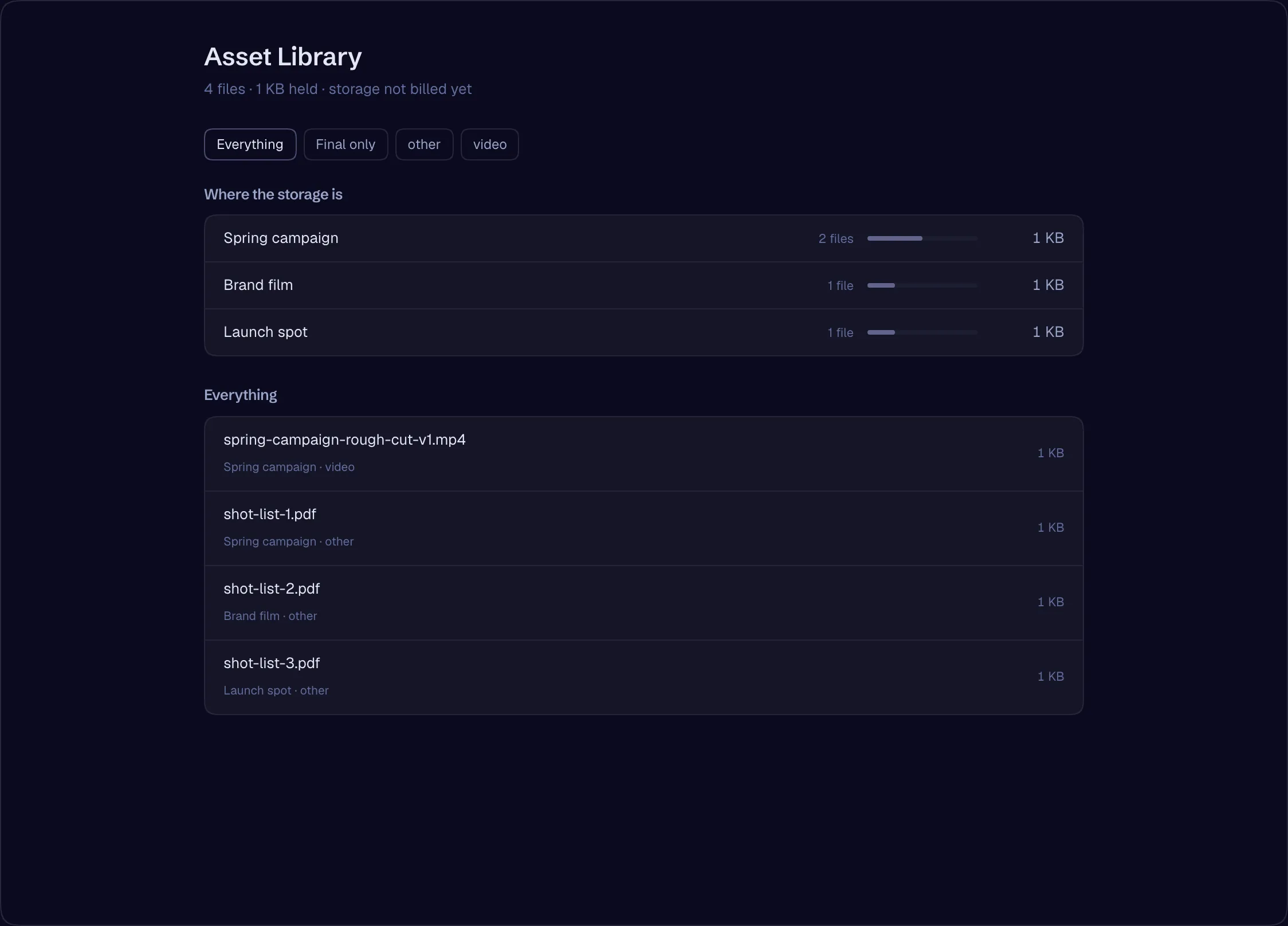
A studio-wide asset library with facets and a per-production footprint
AvailableOne library for everything the studio holds.
- Facets across every production
- Each production’s footprint
- Rights and provenance with each asset
What the Suite replaces
A tab and a subscription for every step — or one suite.
Screenwriting
Final Draft, WriterDuet, Celtx
Storyboards
Boords, StudioBinder boards
Moodboards
Milanote, Pinterest boards
Asset library
Shared drives and folders
Image generation
Midjourney, Firefly
Video generation
Runway, Kling, Luma, Pika
Comparing models
A tab and a subscription for each
Upscale and restore
Standalone upscalers
Dubbing and lip-sync
Standalone dubbing tools
Resizing and cutdowns
Manual re-exports
Music and sound
Stock libraries, music generators
Assembly and finishing
Separate edit, grade and caption tools
Pipelines
Zapier, scripts, spreadsheets
Every generation runs through one gate — a budget, a ceiling and provenance on every asset. How it works
Open a studio and start writing. The Suite grows with every stage.