

The Crew space
Where the studio works.
The Crew space is where the studio works: who is on the job, what they are doing, what they may see, and the breakdown that comes out of the script.
What it replaces
Instead of a dozen tools
- A chat app for the crew
- A task tracker
- A crew list in a spreadsheet
- Scheduling software
- A spreadsheet of who may see what
One place, one record.
A directory that is a production database
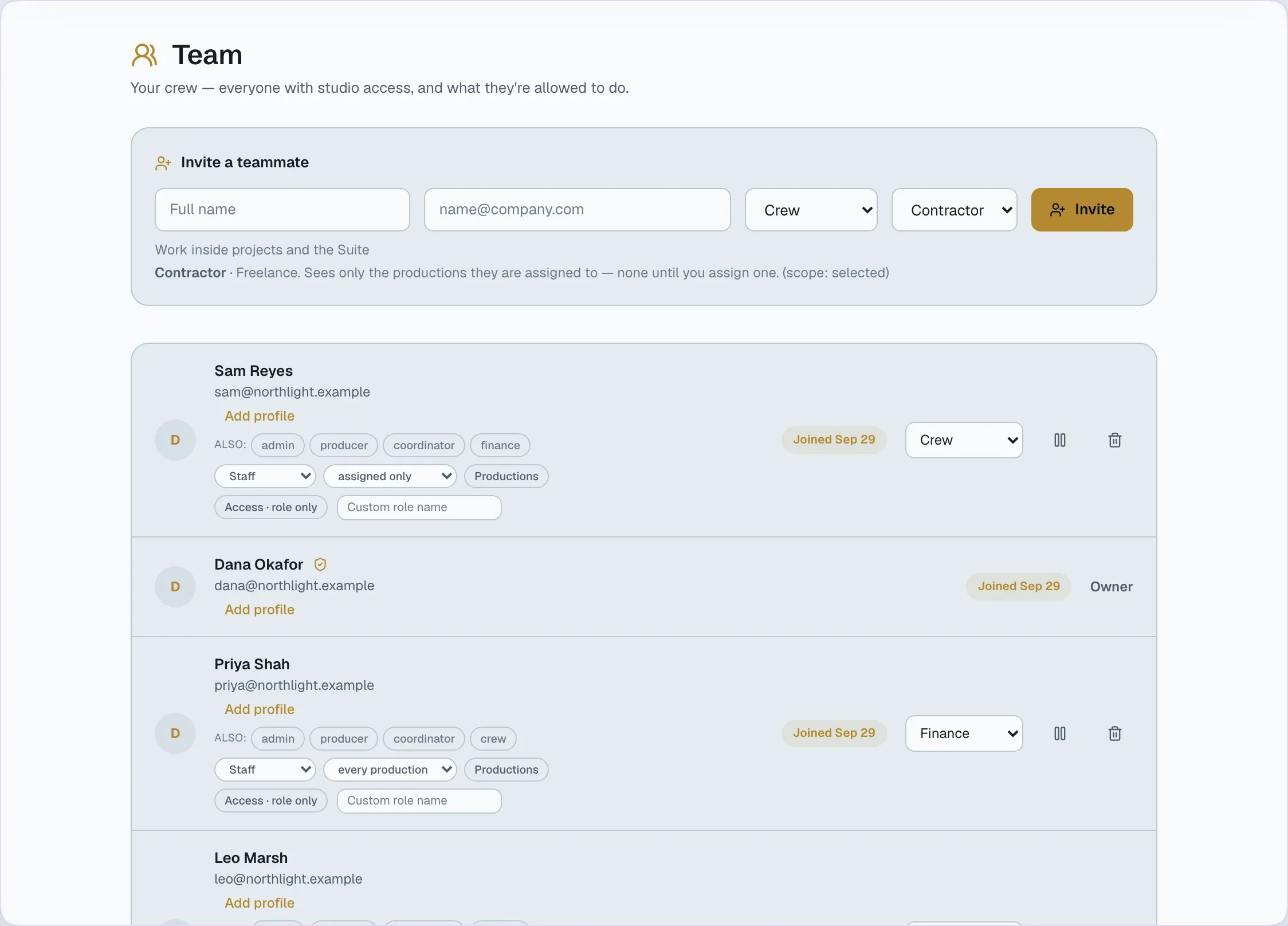
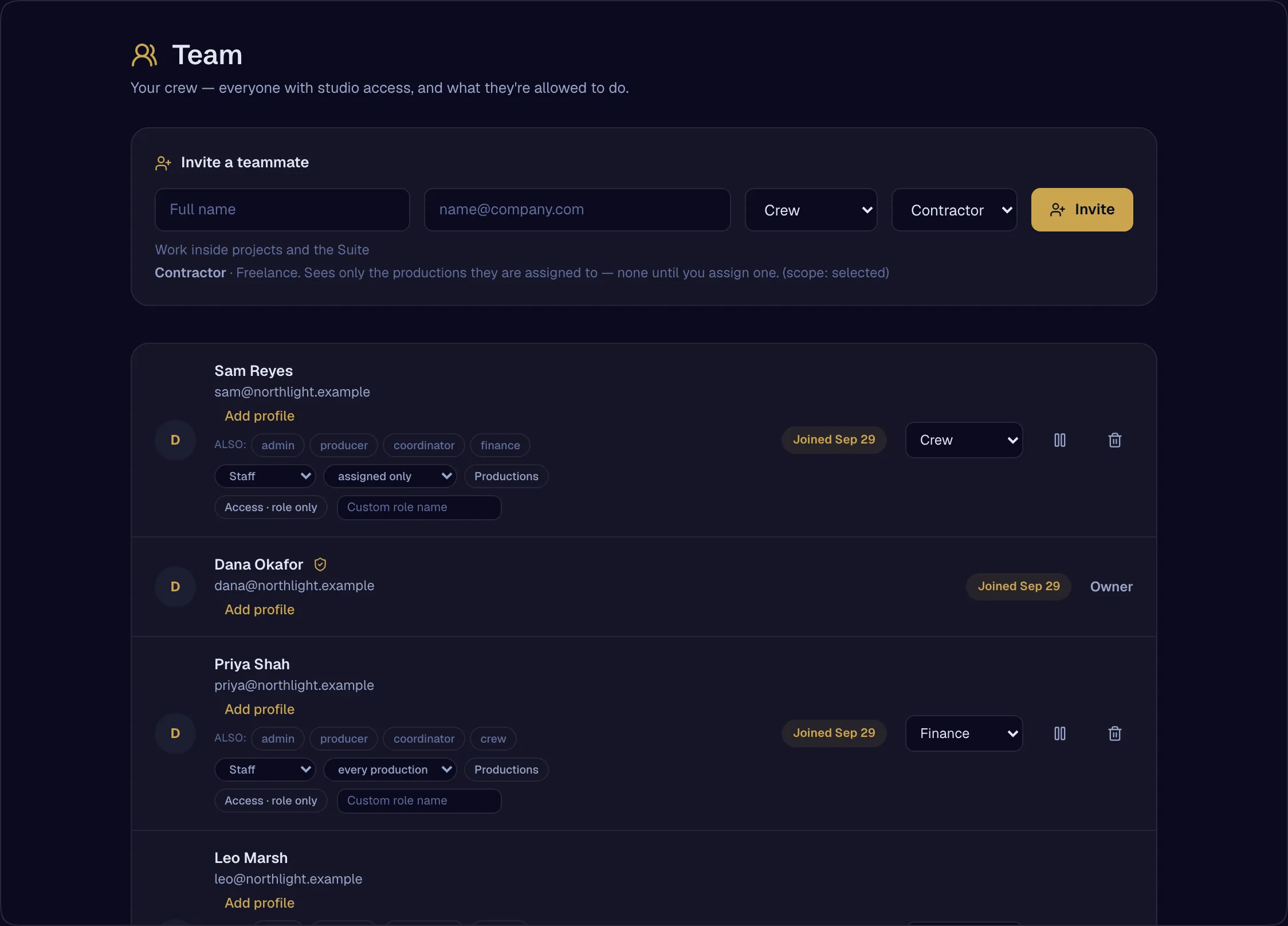
Every person on the roster carries the facts a producer staffs from — department, skills, day rate, union, equipment, availability and location. Invites show whether they were sent, opened, or have expired.
- Directory as a production database — department, skills, day rate, union, equipment, availability, locationAvailable
- Invite lifecycle on both sides — sent, opened, expires, resend, withdrawAvailable
- Membership in several organizations, with switchingAvailable
Tasks that belong to the production
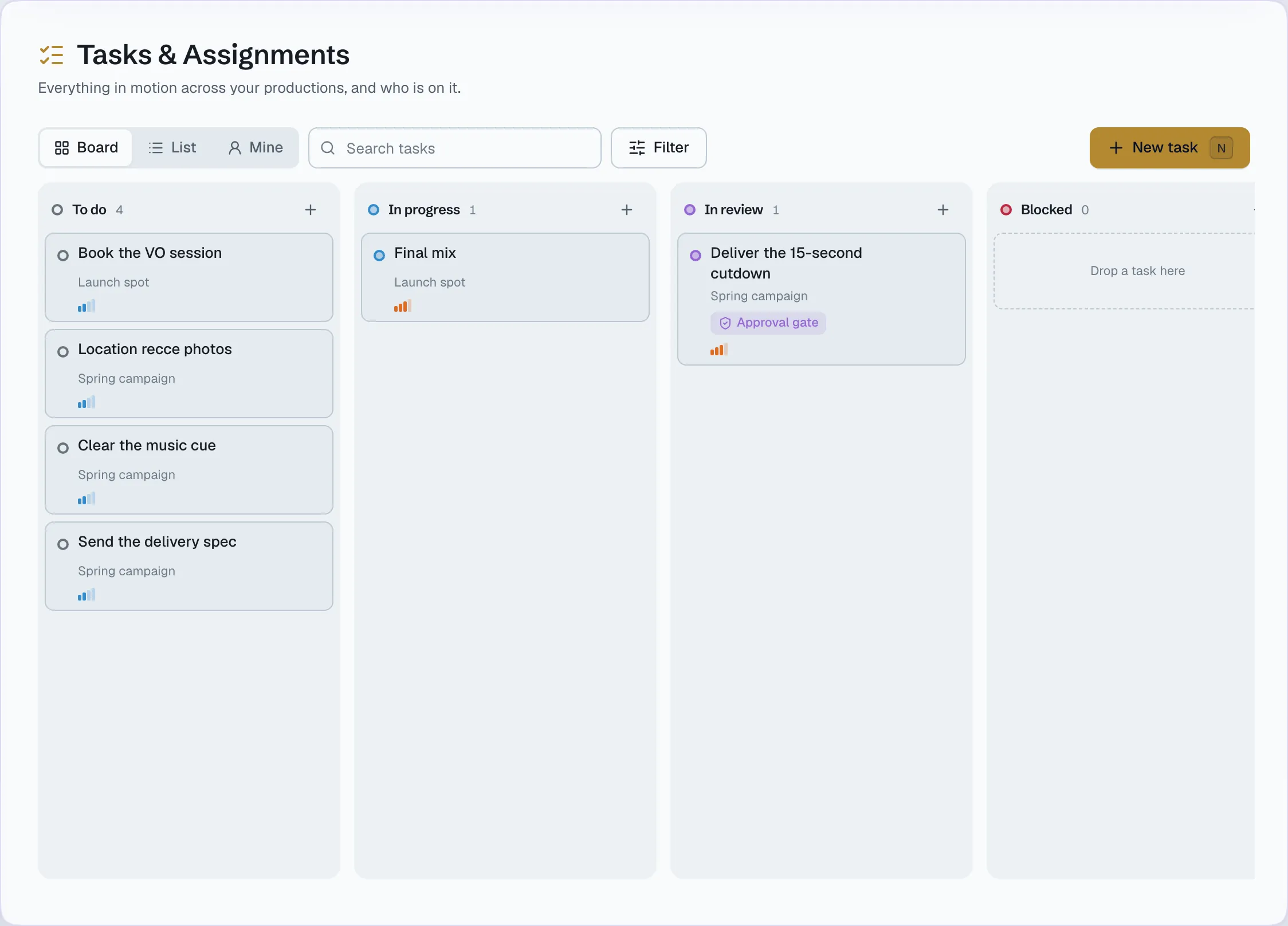
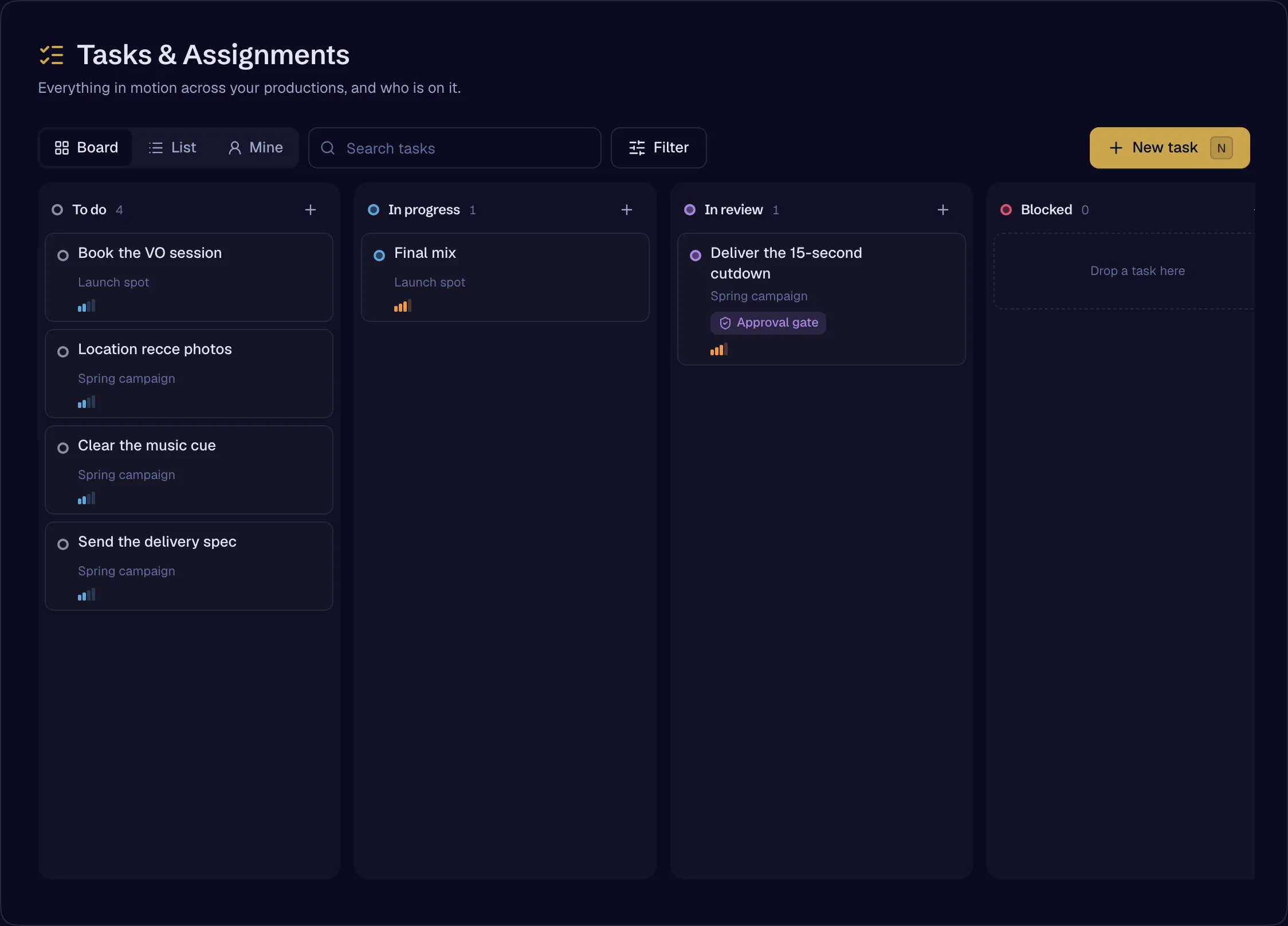
Assign a task to anybody on either roster — your crew or the client’s team — with comments, labels, subtasks, relations, watchers and search. One board serves the Crew space, the studio’s project page and the client’s portal.
- Task engine — assignees on both rosters, comments, labels, subtasks, relations, watchers, searchAvailable
- Mentions of projects, files, tasks and approvals, rendered as tokensAvailable
Internal rooms
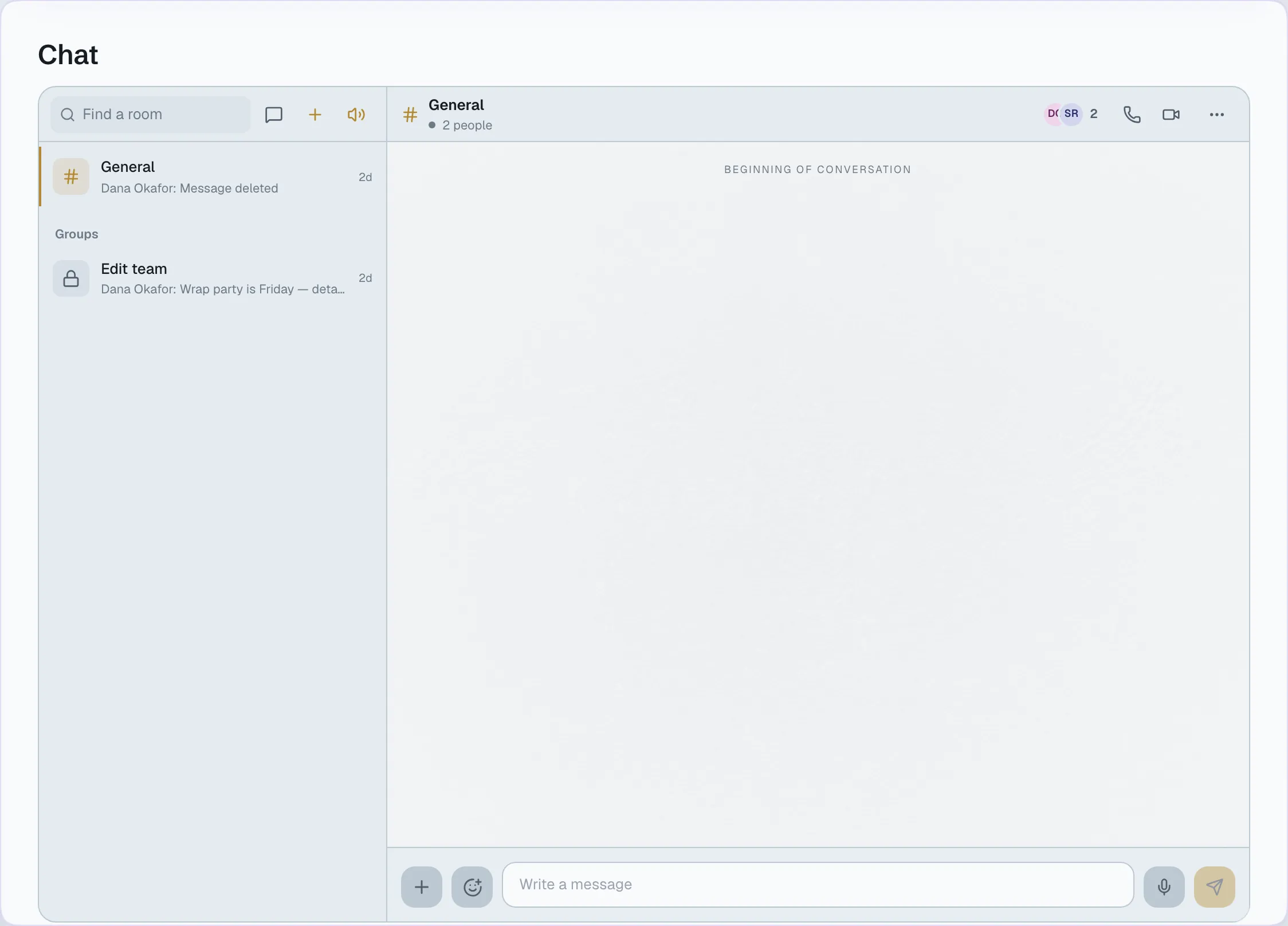
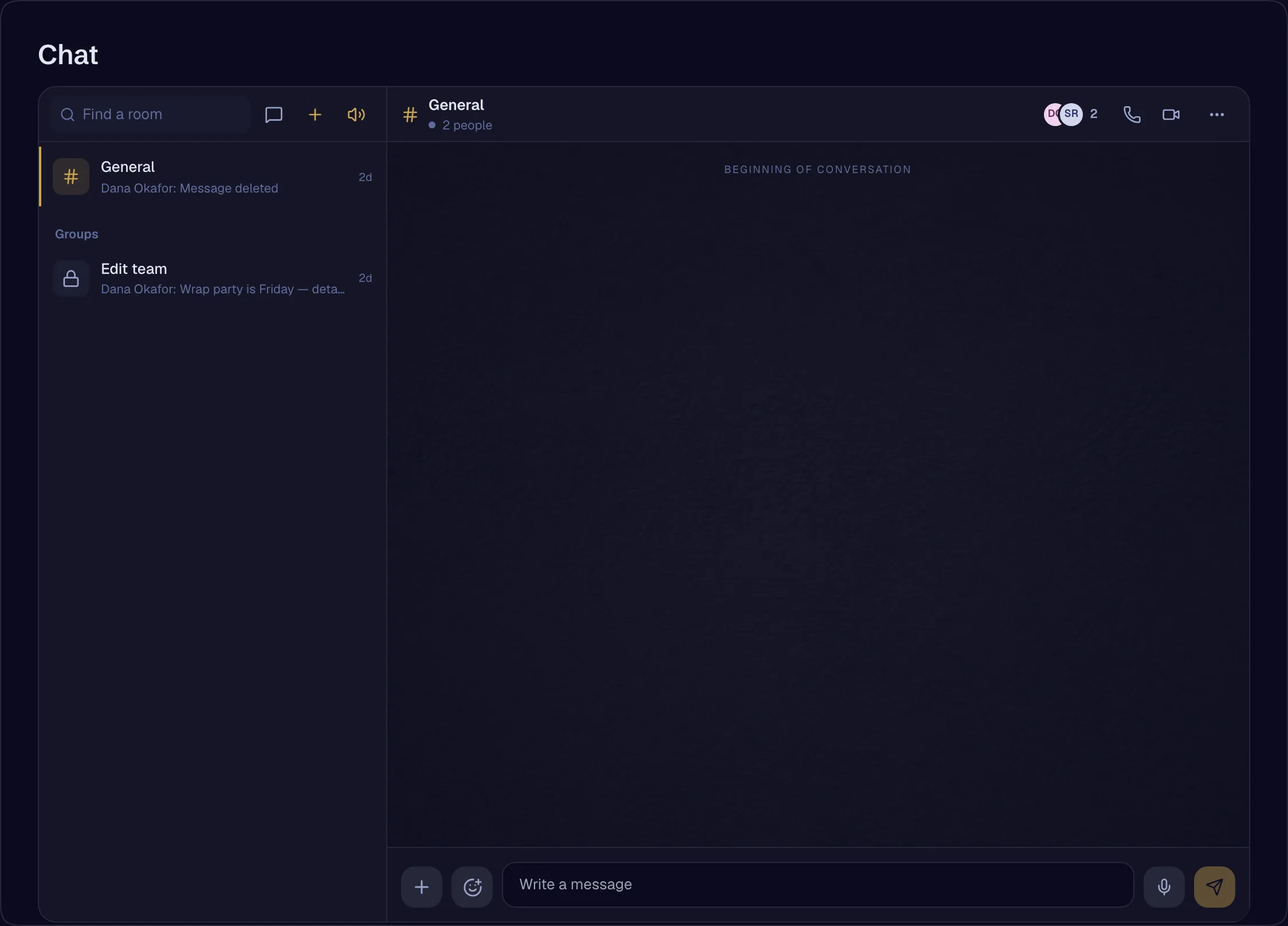
Channels, groups and direct messages for the crew, with threads, drafts that follow you between devices, an edit history on every message, and a call button in every room header. A client never sees an internal room.
- Crew rooms — internal chatAvailable
- ThreadsAvailable
- Drafts kept per person, per room, per threadAvailable
- Message edit history, append-onlyAvailable
- Call buttons in every room headerAvailable
Internal approvals
The same approval engine the studio uses with clients, for sign-offs inside the studio — stages, review windows and a certificate.
- Internal approvalsAvailable
- Printable certificateAvailable
From the script to the breakdown
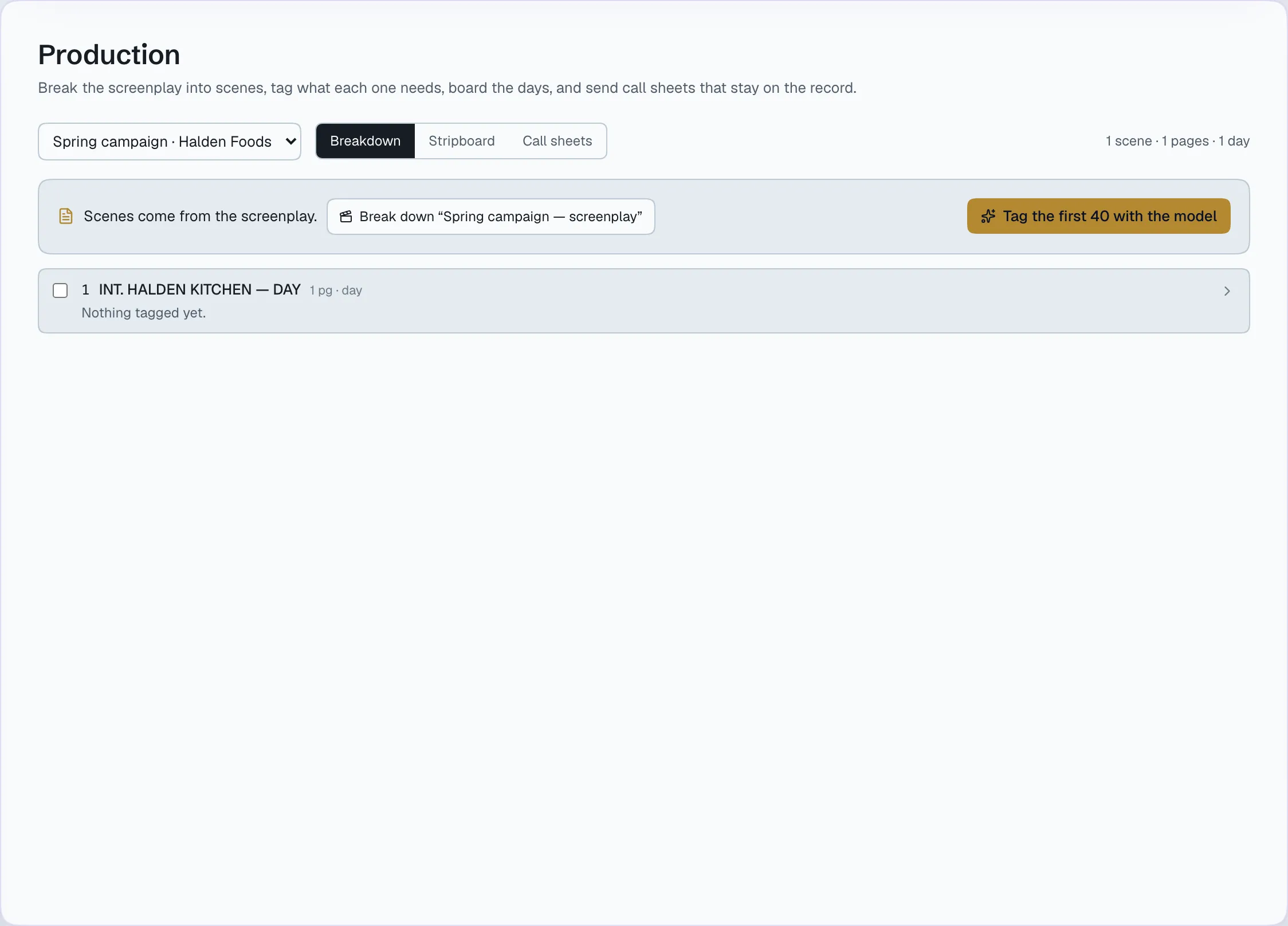
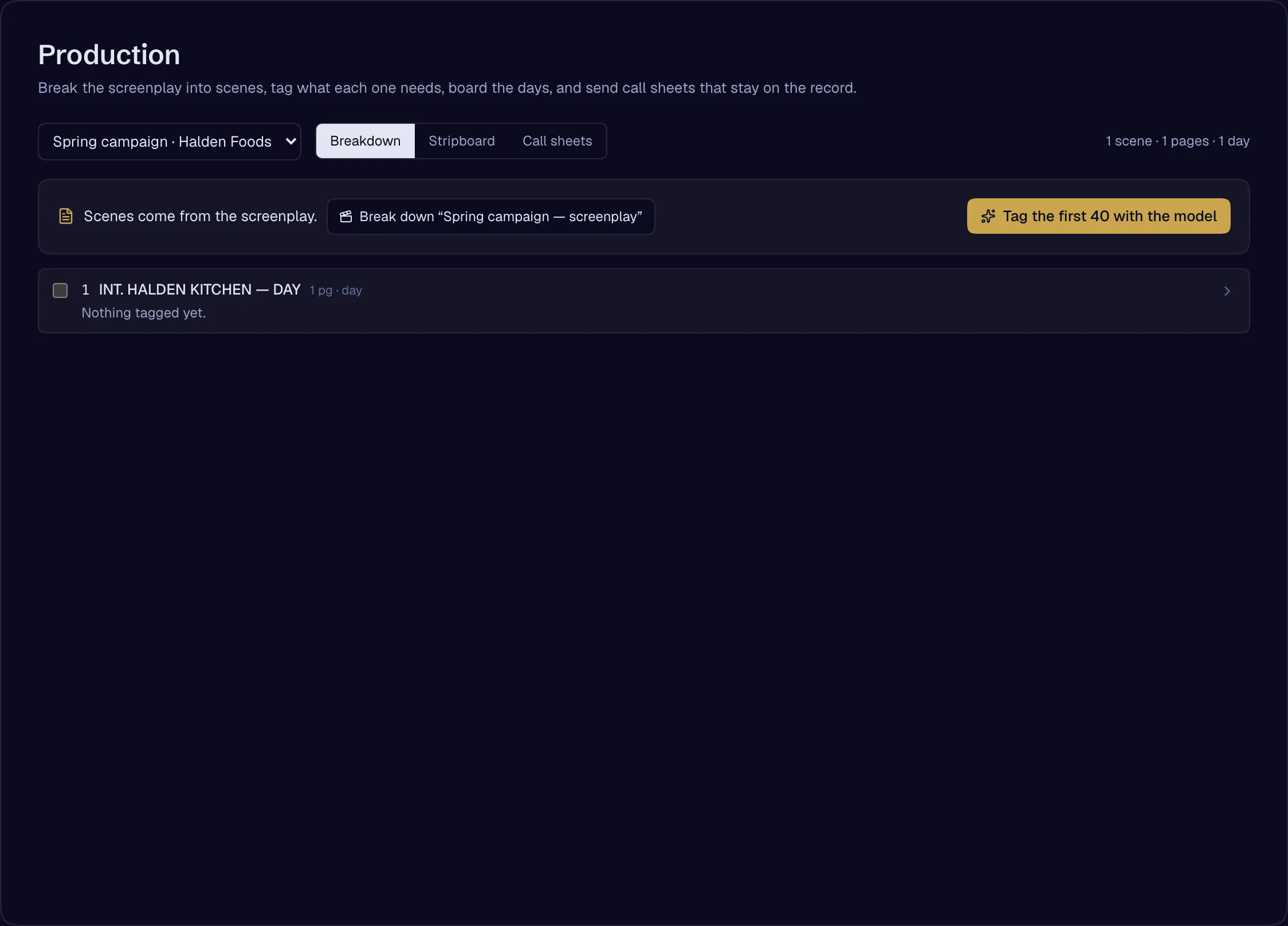
Scenes and elements are read from the screenplay the writer is in — characters, locations, props, looks — so every shot the Stage generates starts from the script, not from a retyped list.
- Screenplay to scenes to breakdownAvailable
Permissions that say exactly who sees what
Company roles, project roles, staff and contractor seats, and individual grants and denials with expiry. A contractor sees nothing until assigned. A denial always beats a grant, and every change is written to the permission ledger.
- Company roles — owner, admin, producer, coordinator, finance, crewAvailable
- Project roles with capability baselinesAvailable
- Seat class — staff and contractor; a contractor sees nothing until assignedAvailable
- Individual grants, denials and expiry; a denial beats a grantAvailable
- Assigning people to productions with a role and an expiryAvailable
- Permission ledgerAvailable
A budget for every person
Set an AI spend limit per person or per seat class, by day, week or month. The person it governs can see it — a refused call is explained, never mysterious.
- Per-member and per-seat-class budgets, each visible to its holderAvailable
- A per-call ceiling on AI spend, with confirmation above it — for text AIAvailable
Who works here
Everyone in it, with exactly what they need
Producers and coordinators
Every production their role covers — staffing, schedule, tasks and approvals
Editors, colourists, assistants
Their tasks, rooms and the productions they are on
Collaborators
Nothing until invited onto a production or a task — then exactly what the invitation says, for as long as it says
Finance
Invoices and spend, because their role includes money
Every person
One profile and one availability across every studio they work with — shared field by field, by them
Every change
Written to the permission ledger — who granted what, when, until when
Open a studio, invite your team, add your first client. The record starts with the first approval.