

Review and approval
Every sign‑off, provable.
Stages, review windows and reminders, frame-accurate notes, and a certificate that holds up years later — with silence recorded as silence, never as a sign-off.
The record
Who saw it, what they said, when they decided.
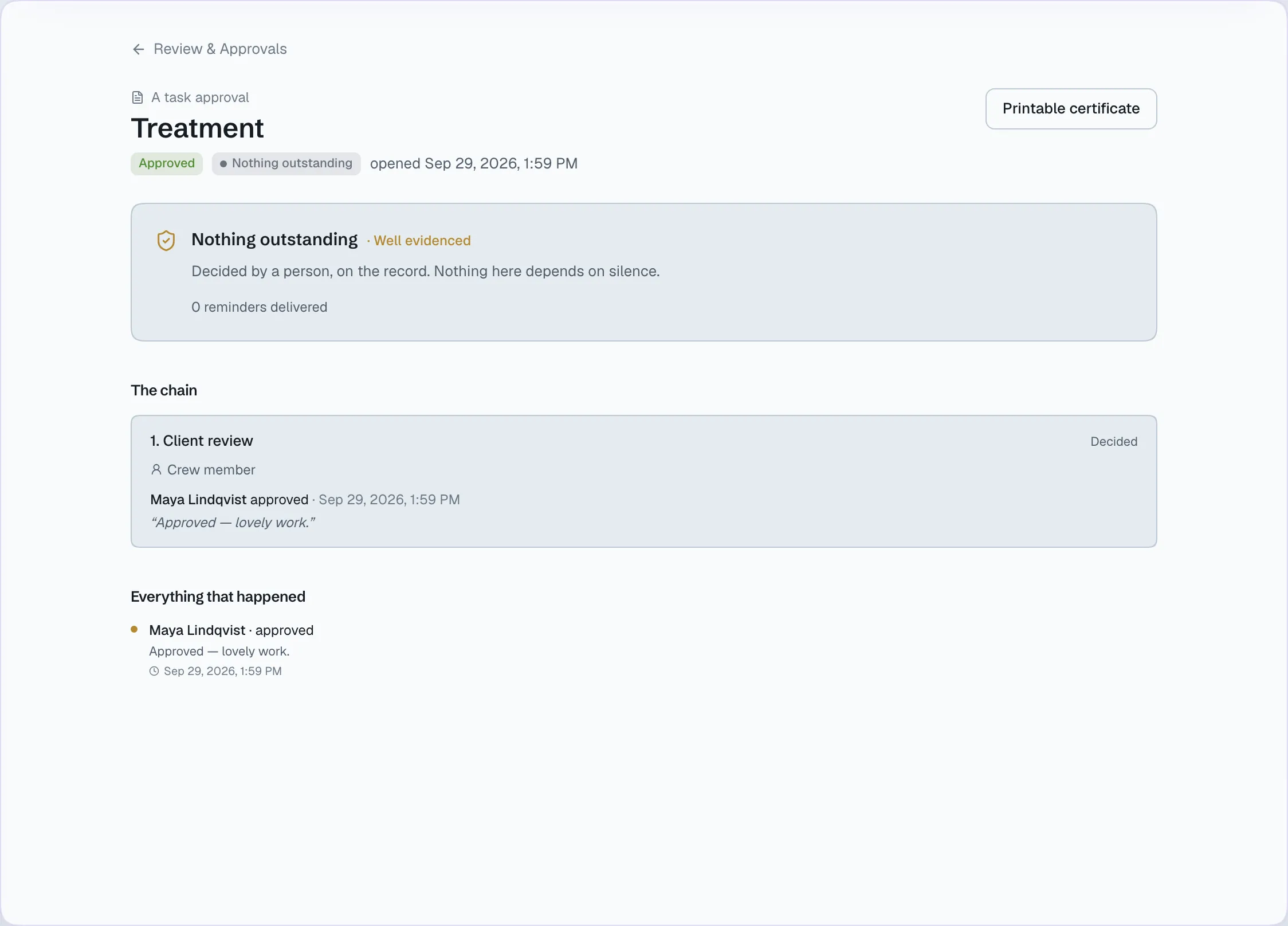
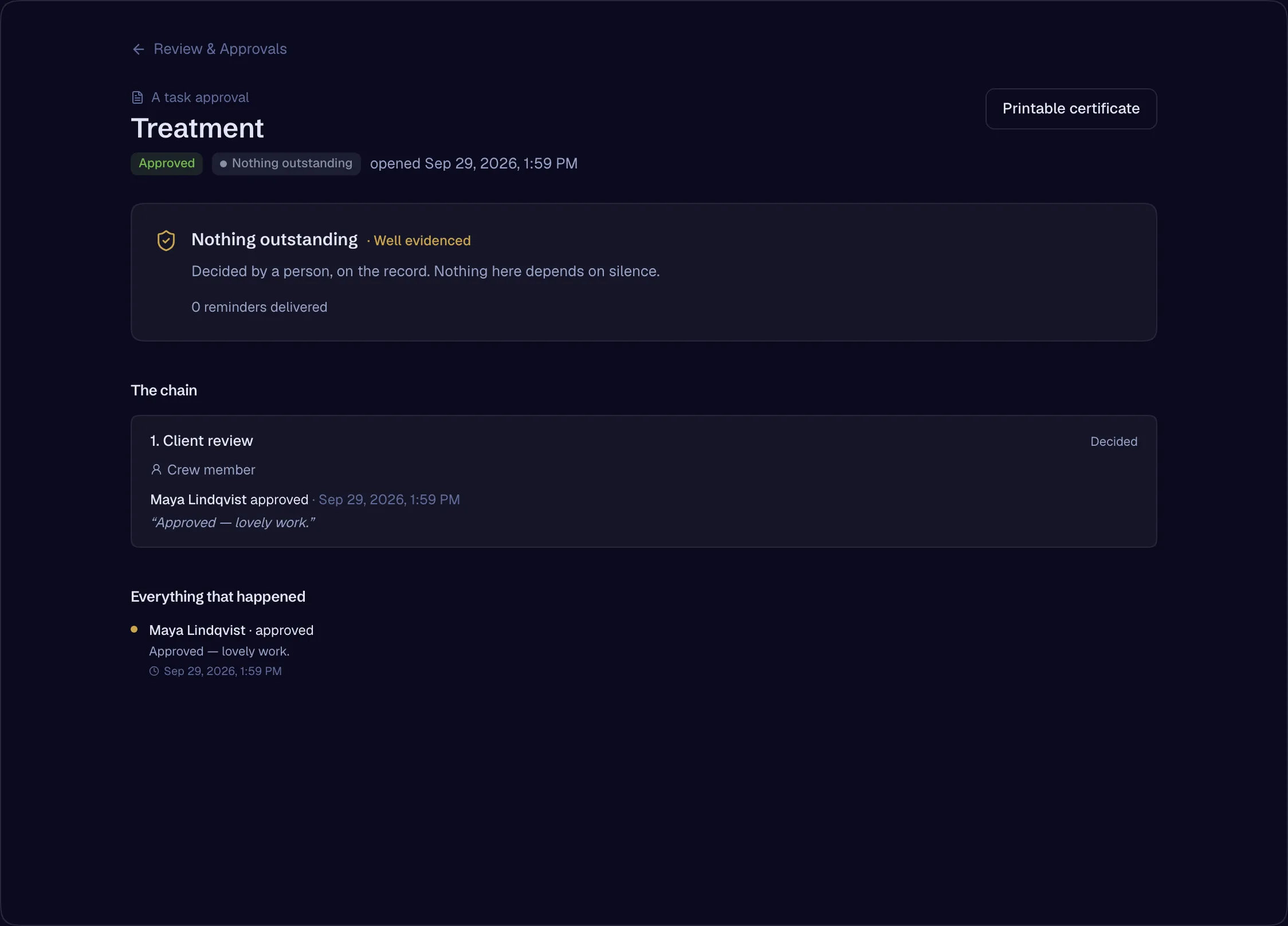
Every approval keeps one record: who it went to, how much of the cut they watched, the notes on each frame, and the decision — sealed into a certificate anyone can be handed.
Approval record
Spring campaign — rough cut v4
- Mon 10:02Northlight PicturesNorthlight Pictures: Sent Spring campaign — rough cut v4 for approvalSent
- Mon 10:02Review windowReview window: Closes Thursday at 5:00 PM, under the production agreementWindow
- Tue 14:31Maya LindqvistMaya Lindqvist: Watched 92% of the cut through a screening linkWatched
- Tue 14:38Maya LindqvistMaya Lindqvist: Note at 00:00:41:08 — “Hold the logo two frames longer”Note
- Wed 11:15Maya LindqvistMaya Lindqvist: Approved, with one note attachedApproved
- Wed 11:15GenrelineGenreline: Certificate issued — printable, with every step aboveSealed
Both outcomes
Step through it either way
When the client signs off, and when the review window closes with no answer — the record names each for what it is.
If nobody responds by Thursday 5:00 PM, this advances automatically and the production moves on.
What it replaces
Instead of a dozen tools
- A review tool
- Approval by email
- A spreadsheet of who signed off
- Screenshots of a chat as evidence
One place, one record.
Stages and review windows
Send a file, a document, a task or a message for approval. Approvers can be a person, a whole client company or a role. Each stage has a review window and a reminder ladder, and the same approval appears in the room, in the review list and on the record.
- Approval engine — stages, review windows, automatic advance on silence, the reminder ladderAvailable
- A message as an approval gateAvailable
- One record, three surfacesAvailable
- Internal approvalsAvailable
The certificate
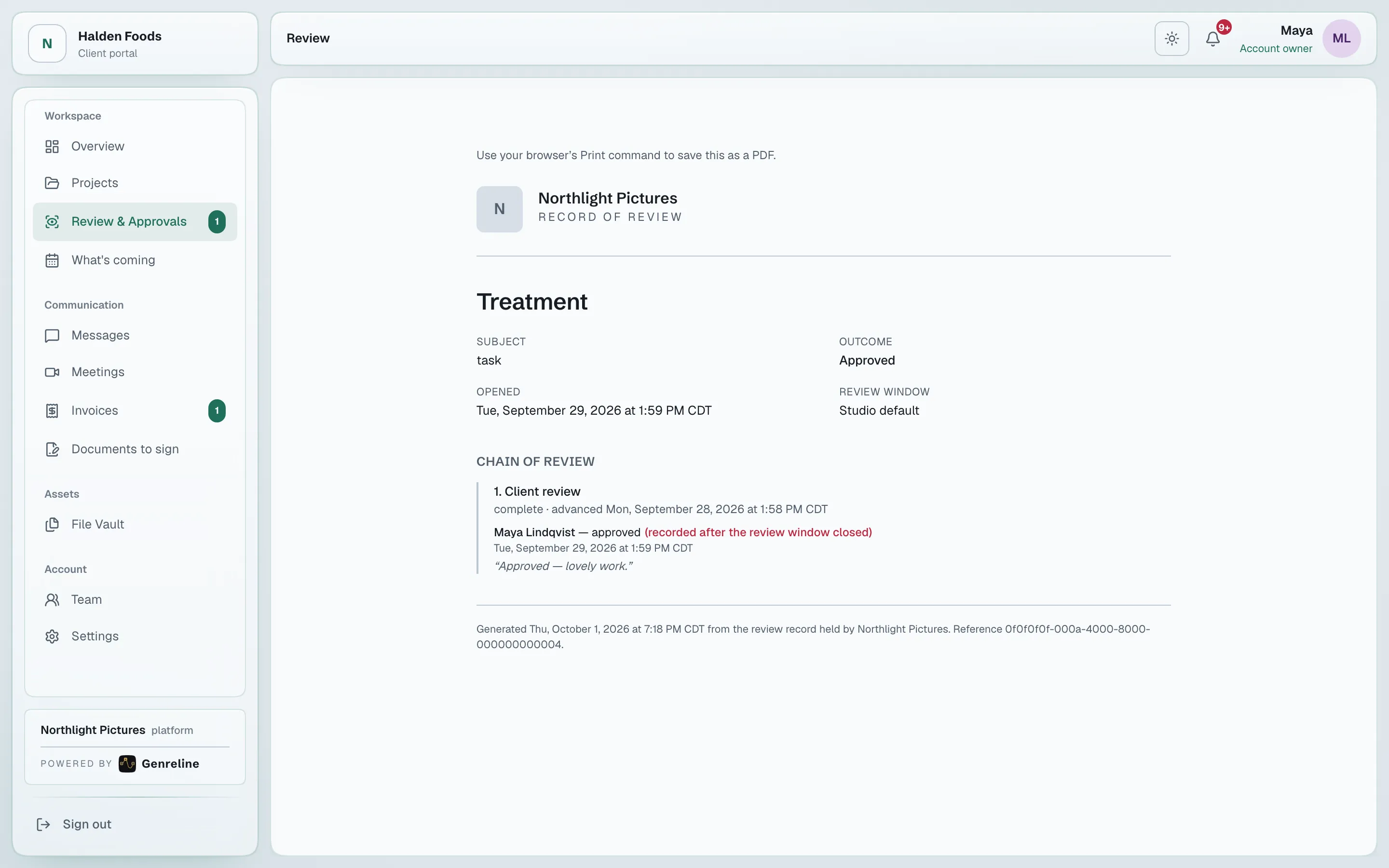
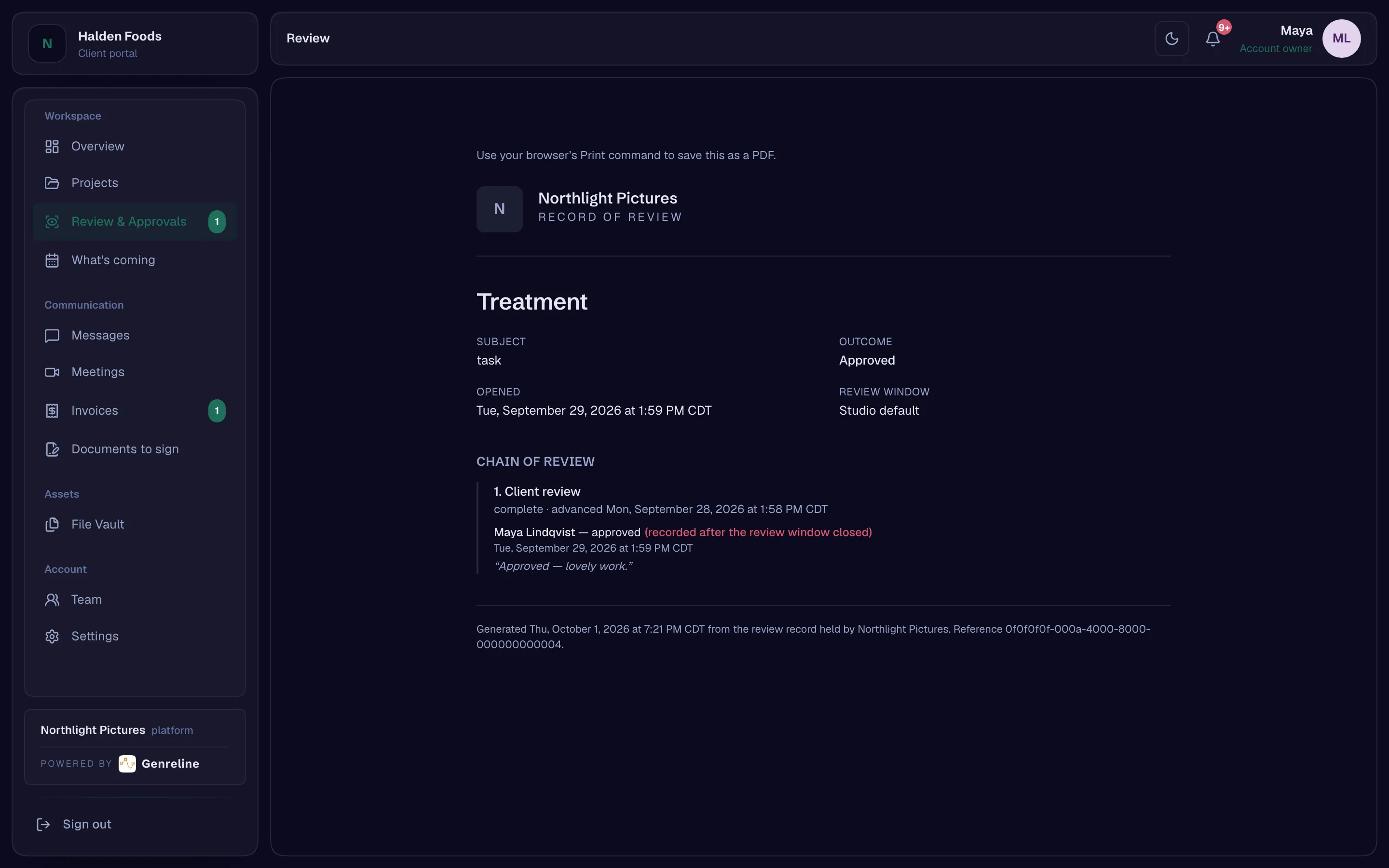
Every approval prints as a certificate: every stage, every decision, every reminder, in order. When a stage advanced on silence, the certificate says so in these words:
No response was received by the agreed review date. Work proceeded under the review window in the production agreement. This is not a client approval.
- Printable certificateAvailable
What the approver actually saw
A screening link records how far each guest watched — the furthest point reached, not just whether the link was opened — and the studio sees it beside the decision. A note a guest leaves is kept as evidence, with how far they had watched when they wrote it.
- Watch evidence joined to the approvalAvailable
- Guest review notes as evidence; resolve and tag as ledger eventsAvailable
Frame-accurate review
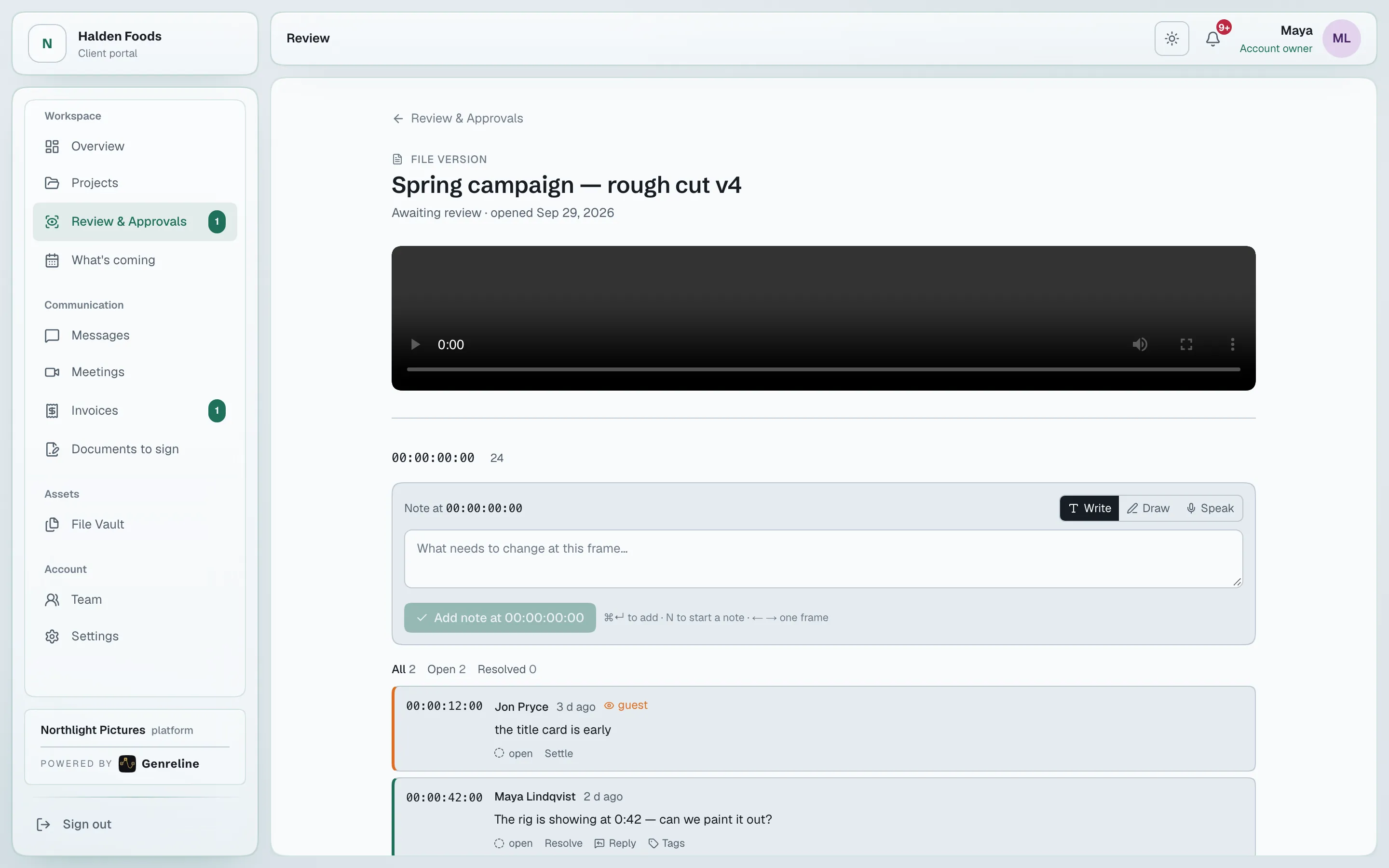
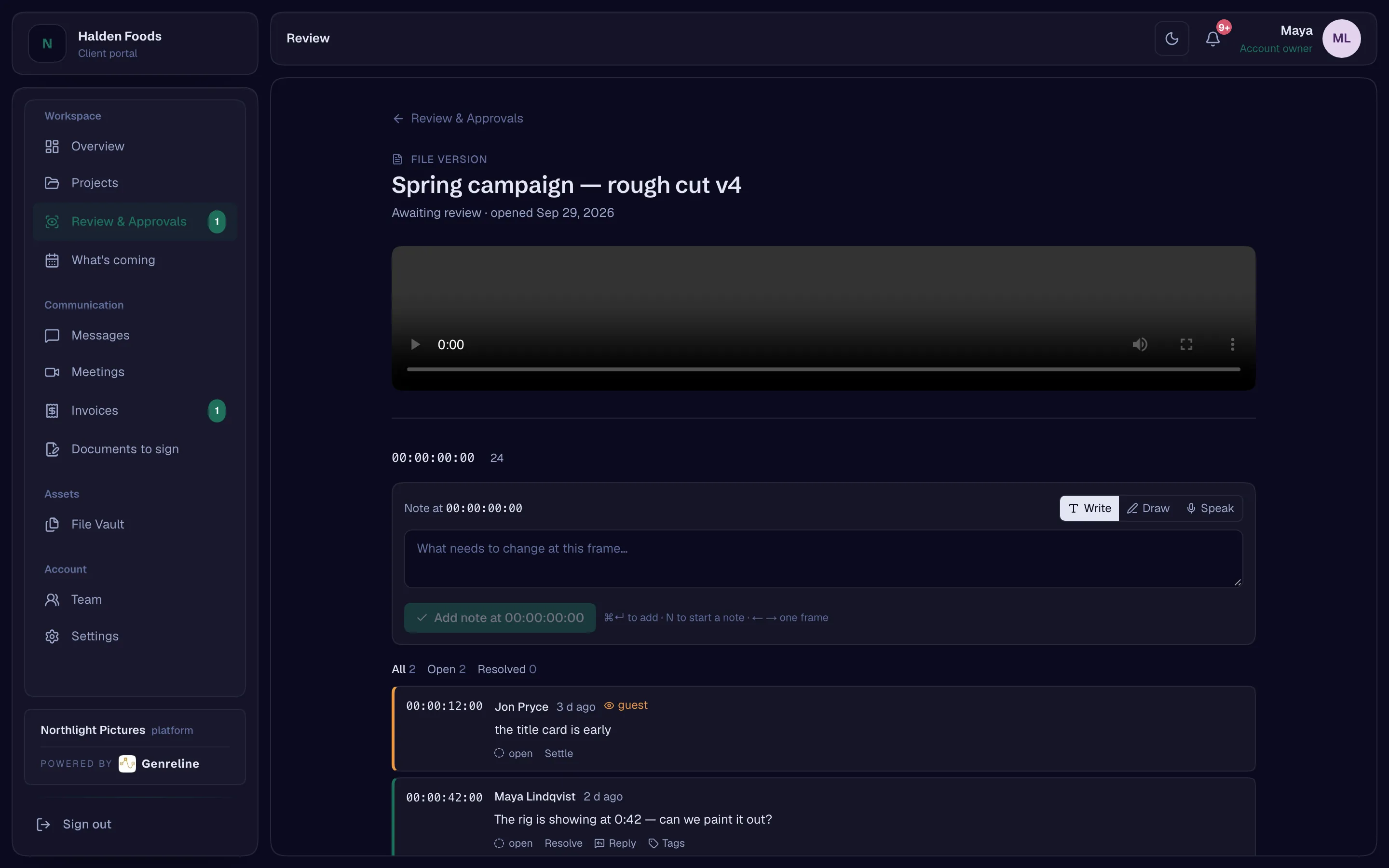
Notes anchored to the timecode, drawings on the frame that stay after the call, side-by-side and overlay compare with the second player following the first, and every version stacked on the one before it.
- Frame-accurate review with markersAvailable
- Comments anchored to a timecode — timecode anchorsAvailable
- Drawing and annotation on a frame, kept after the callAvailable
- Side-by-side and overlay version compareAvailable
- File version stackingAvailable
Notes that go straight into the edit
Export the notes as markers for Resolve, Final Cut and Premiere, or as CSV. The frame rate is declared, never guessed. Editors can work the notes from inside their editor through the published panel bridge.
- Marker export and import — Resolve, Final Cut, Premiere, CSVAvailable
- Editor panel bridge — a published integration contractAvailable
Before anyone gives a colour note
The asset declares its colour space, the browser reports what the display can show, and the reviewer is warned before giving a colour note on a screen that cannot show the picture.
- Colour-space declaration and a display warningAvailable
Open a studio, invite your team, add your first client. The record starts with the first approval.