

Meetings and review sessions
Review together. Keep every note.
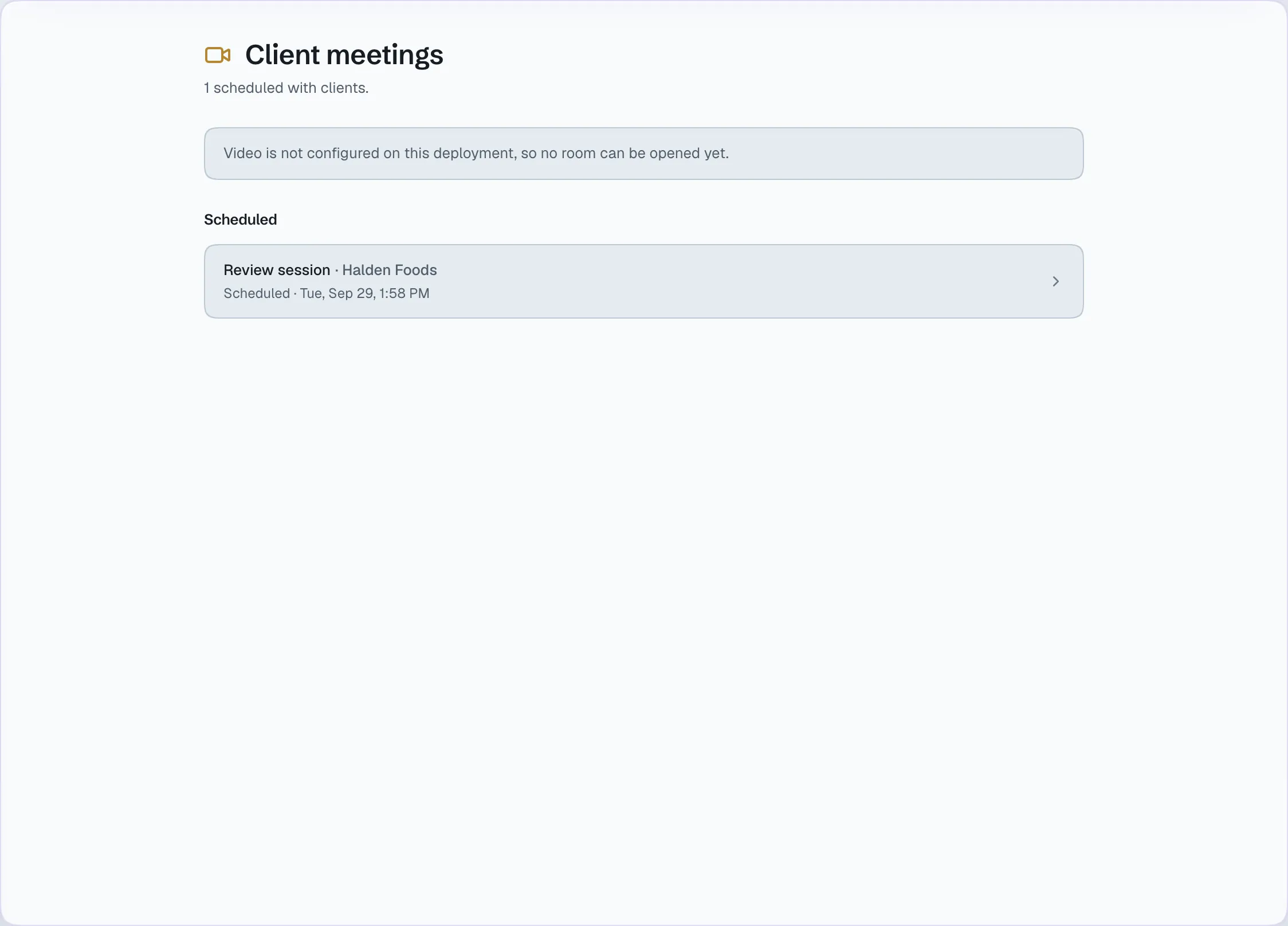
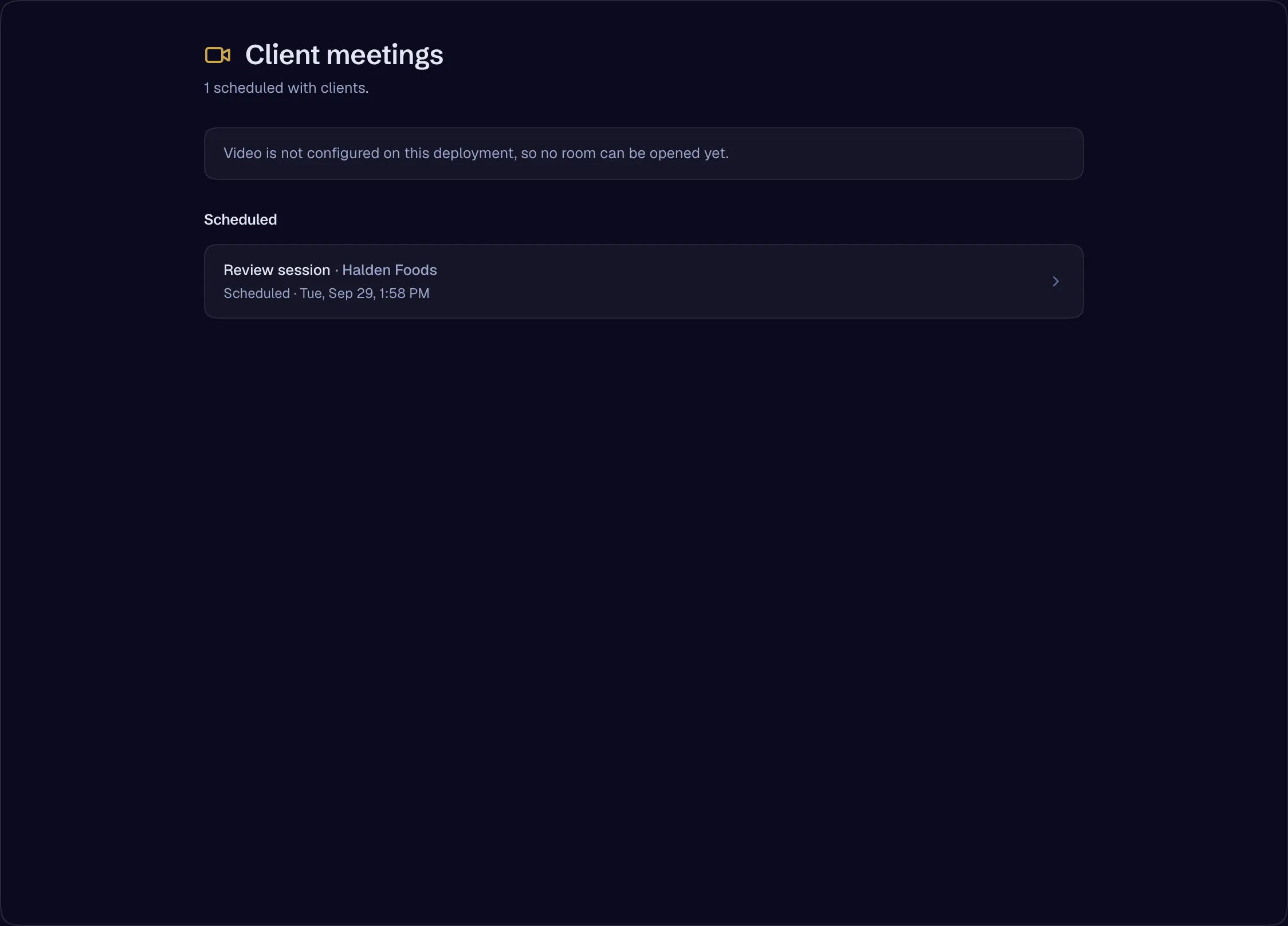
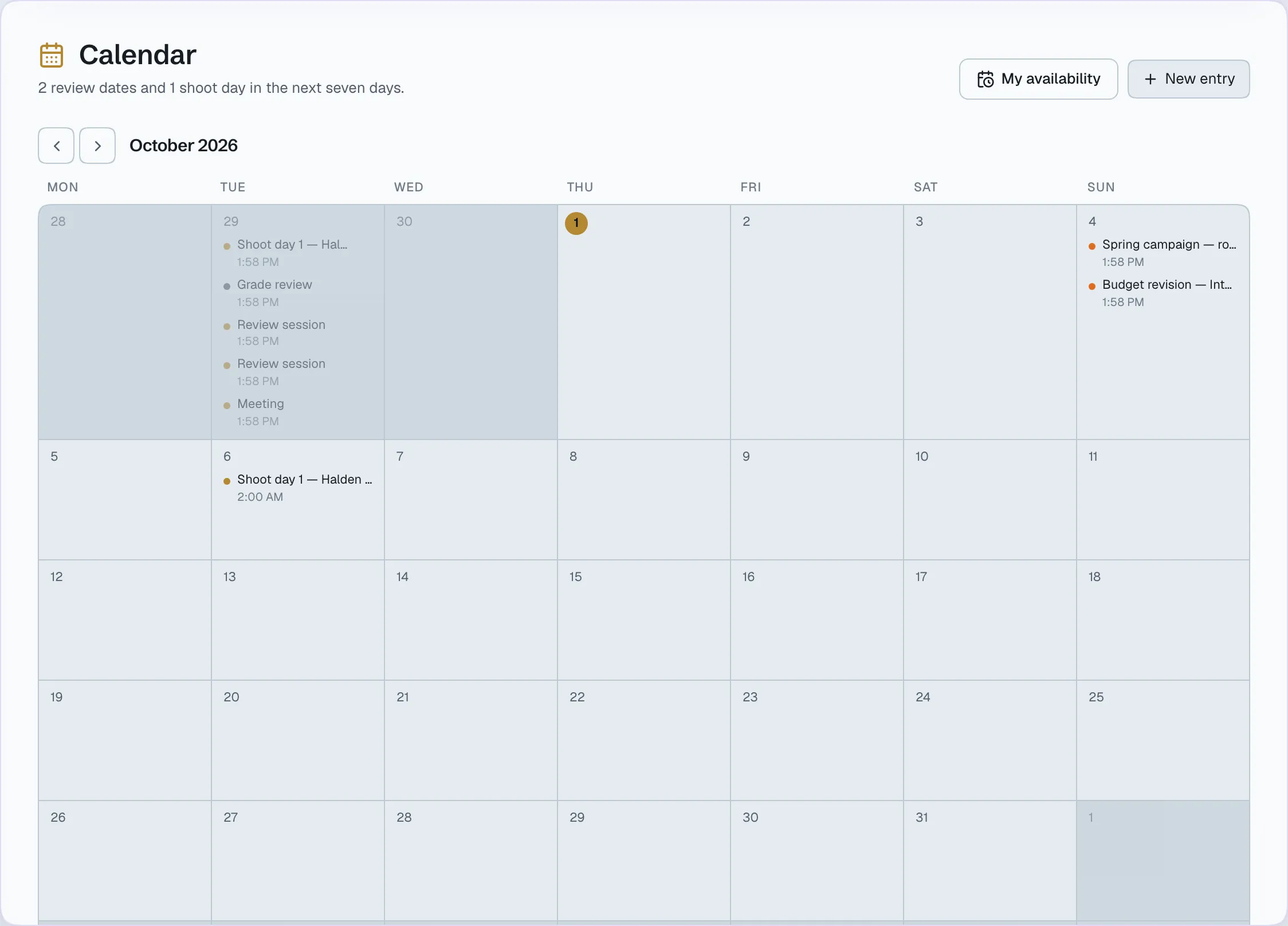
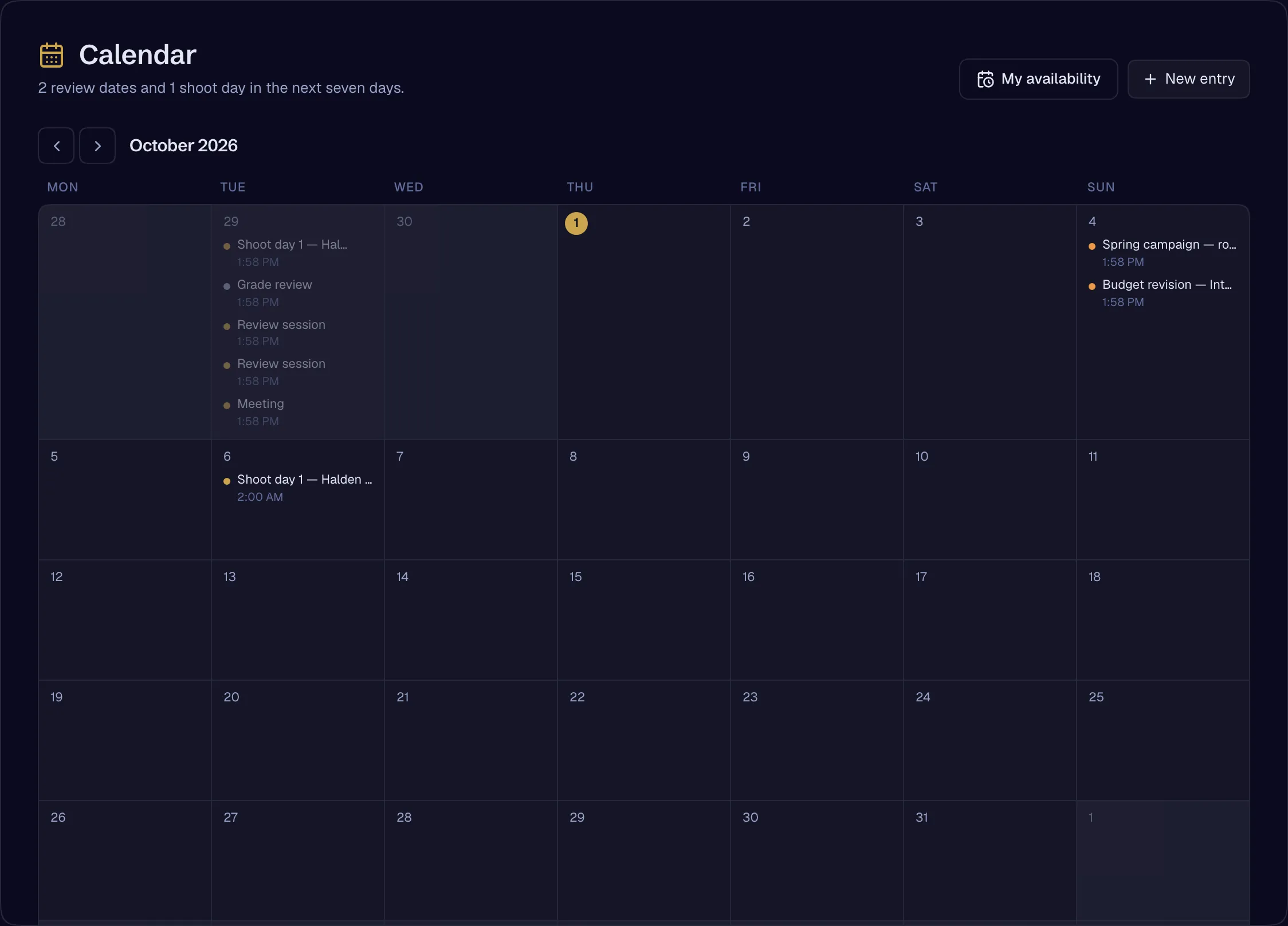
Audio and video meetings in the place the work lives, a review session that plays the cut in sync for the whole room, and a calendar where the dates that matter arrive by themselves.
What it replaces
Instead of a dozen tools
- A video-call link pasted into a chat
- Screen-sharing a cut
- A booking page
- Notes typed up after the call
One place, one record.
Meetings where the work is
Start a call from any room header. A meeting addressed to a client company is joinable by its team at once, and an outside collaborator seated in a room can join that room’s meetings. Background blur and noise suppression run on the device.
- Audio and video meetingsAvailable
- Call buttons in every room headerAvailable
- A collaborator seated in one room and its meetings — the Consultant presetAvailable
- Background blur and noise suppressionAvailable
A review session, in sync
The cut plays on a shared playhead that compensates for each person’s latency and closes small drifts by nudging the speed rather than jumping. Drawing pauses the room on the frame being discussed, and the drawing is kept at that timecode after everybody leaves.
- Review session — synchronised playback togetherAvailable
- Drawing and annotation on a frame, kept after the callAvailable
- Colour-space declaration and a display warningAvailable
Recording
Record a session from the meeting itself.
- Meeting recording — recording onlyAvailable
A calendar on both sides
Approval deadlines and invoice due dates are projected onto the calendar — and removed when they no longer apply — for the studio and for the client.
- Calendar on both sides — review deadlines and invoice dates, by projectionAvailable
Booking, where the meeting is the booking
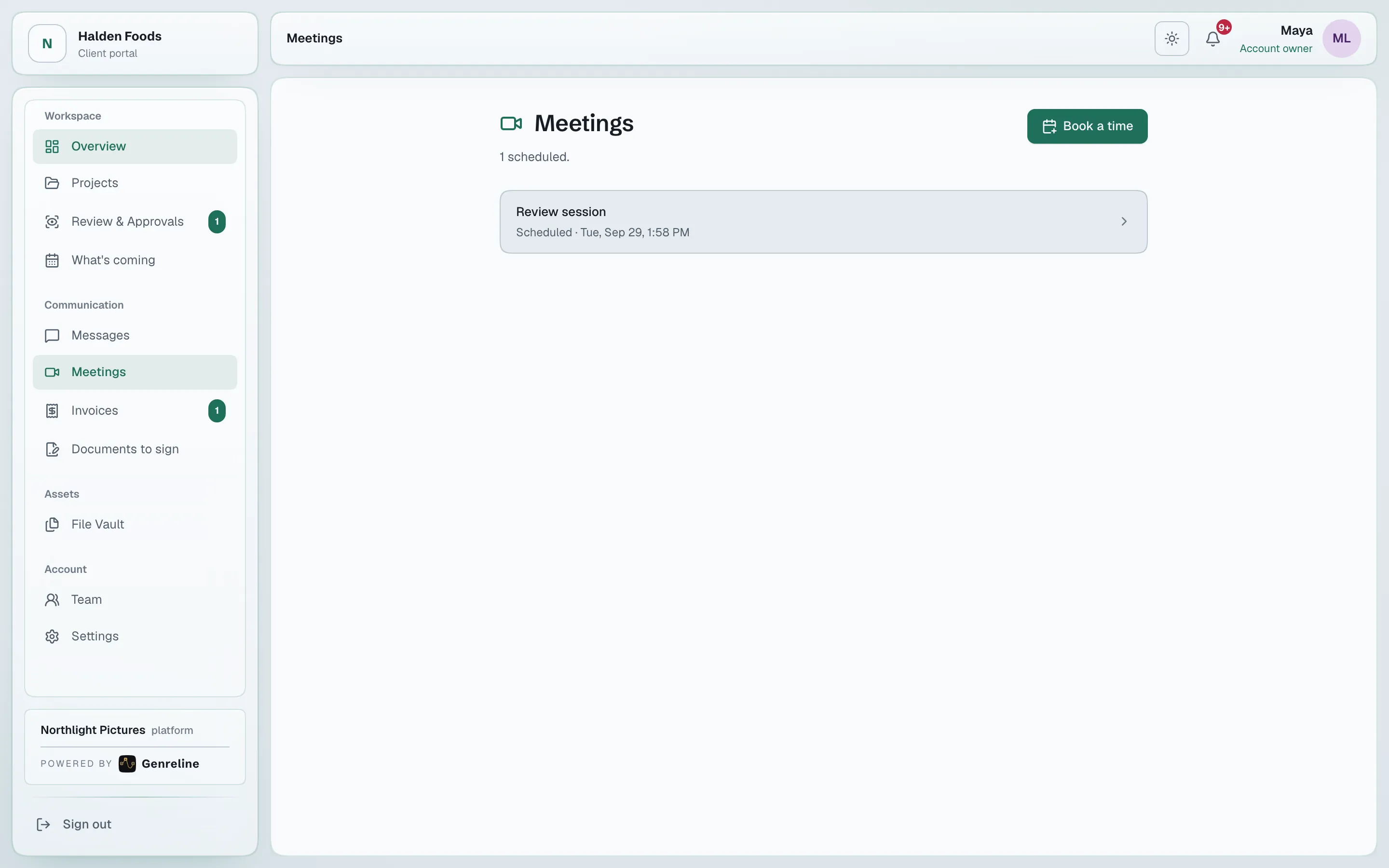
Set availability with rules and overrides, safe across time zones. A client books from the portal, and the booking is a scheduled meeting on both calendars.
- Booking — availability rules, overrides, time-zone safe; the meeting is the bookingAvailable
Open a studio, invite your team, add your first client. The record starts with the first approval.