

The Client space and portal
Where clients meet the work — in your brand.
Companies, projects, the conversation, the cuts, the approvals, the contracts and the invoices — and a portal your clients sign into that wears your name, not ours.
What it replaces
Instead of a dozen tools
- Email threads with clients
- File-sharing links
- A review tool
- An e-signature tool
- An invoicing tool
- A client portal from somebody else’s brand
One place, one record.
Companies and projects
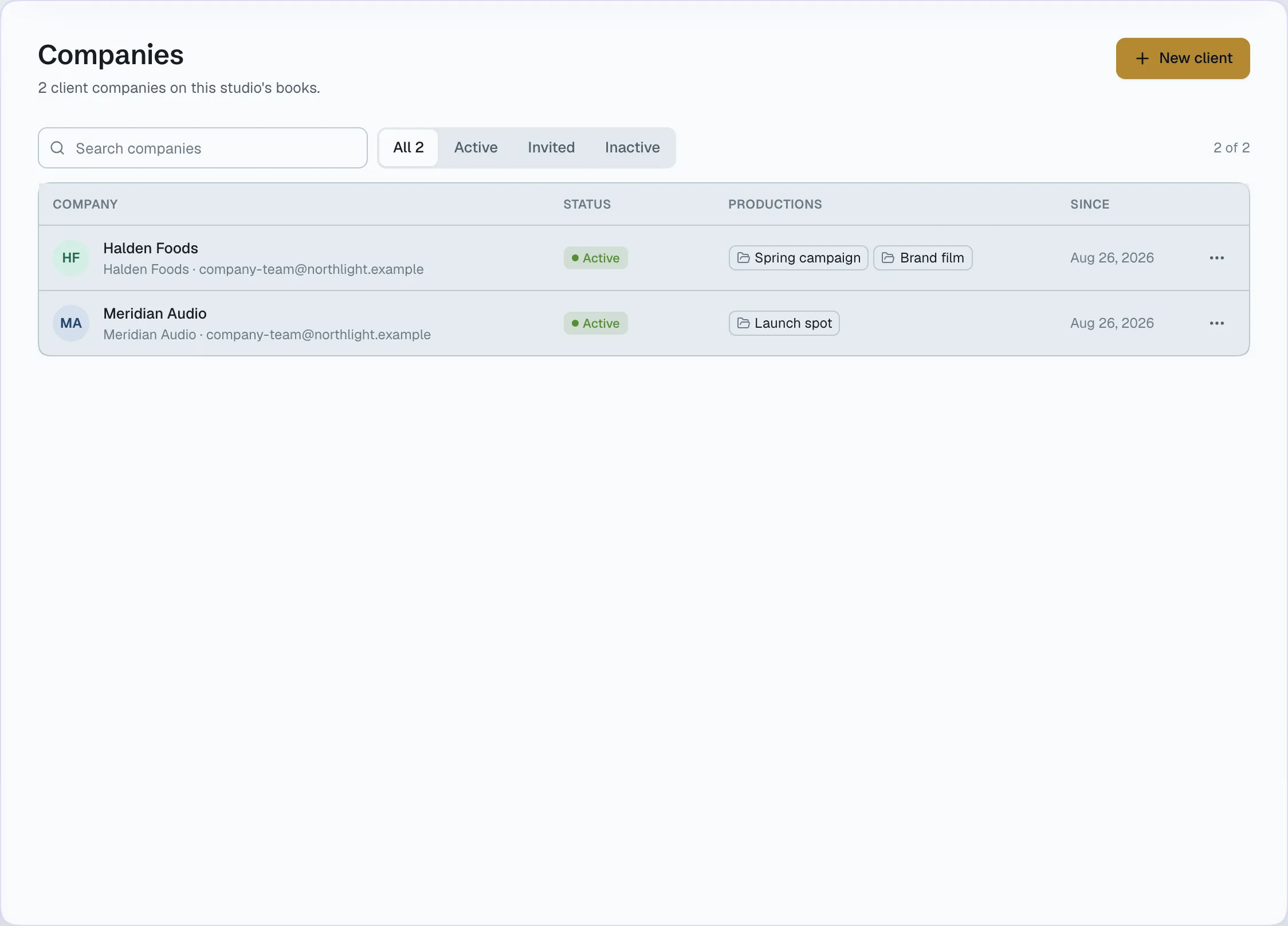
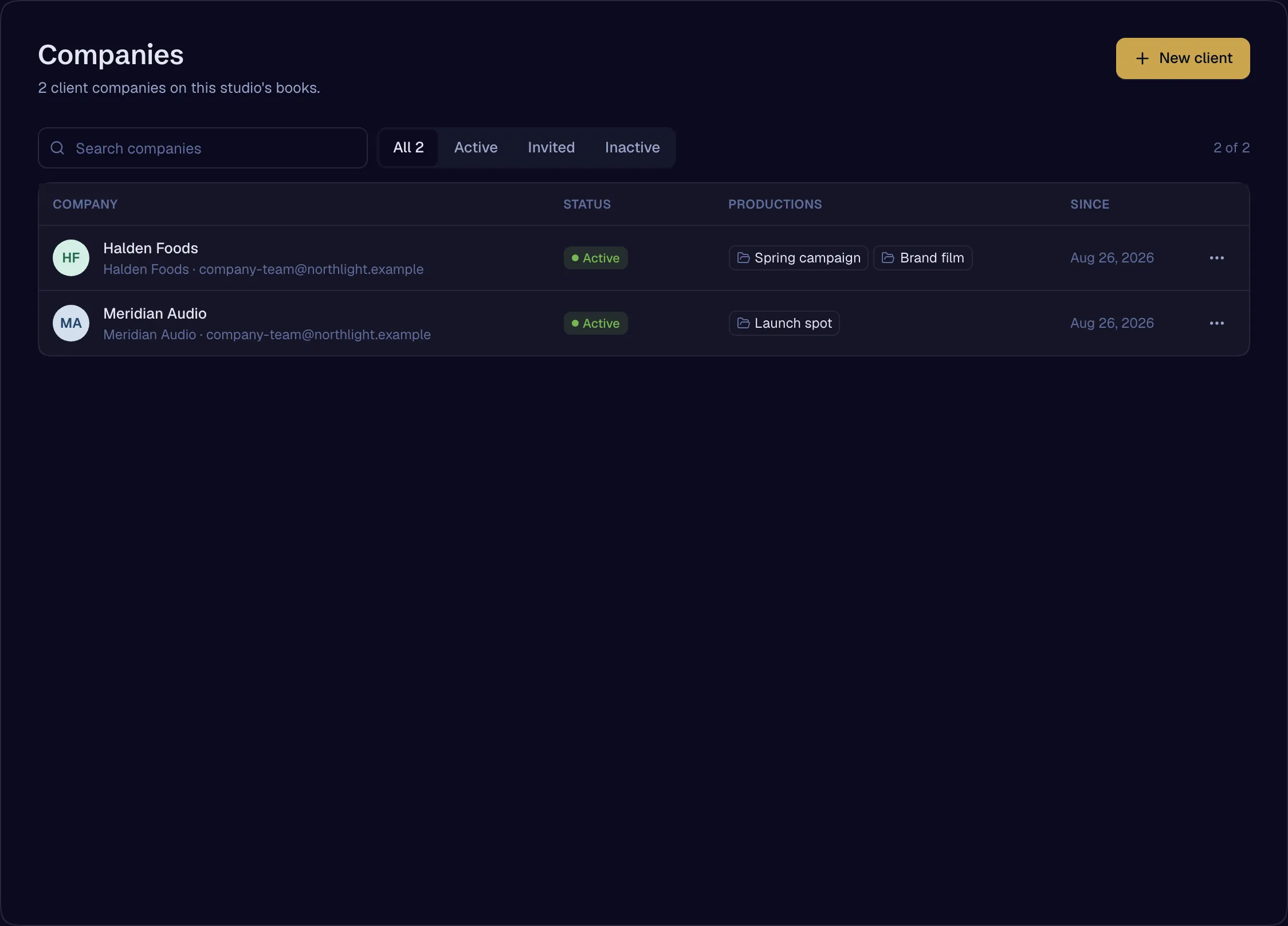
Every client company with its projects, its own team and its own roles. A client’s owner can scope a teammate to a single project and set where their history begins.
- CompaniesAvailable
- ProjectsAvailable
- Client teams and invitesAvailable
- Client portal roles with scoping and a history cutoffAvailable
- Client capability ceilingAvailable
The client company is the room
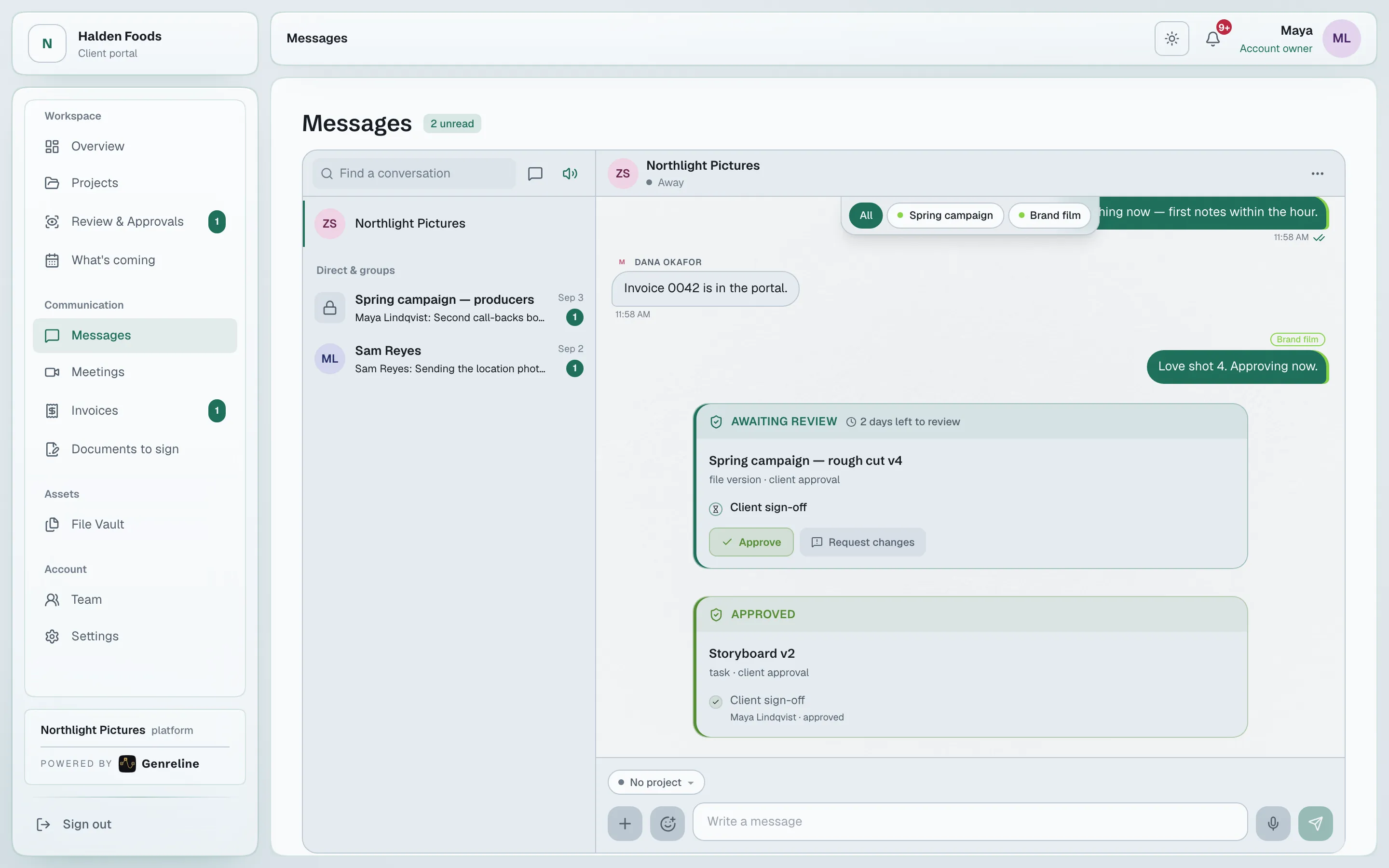
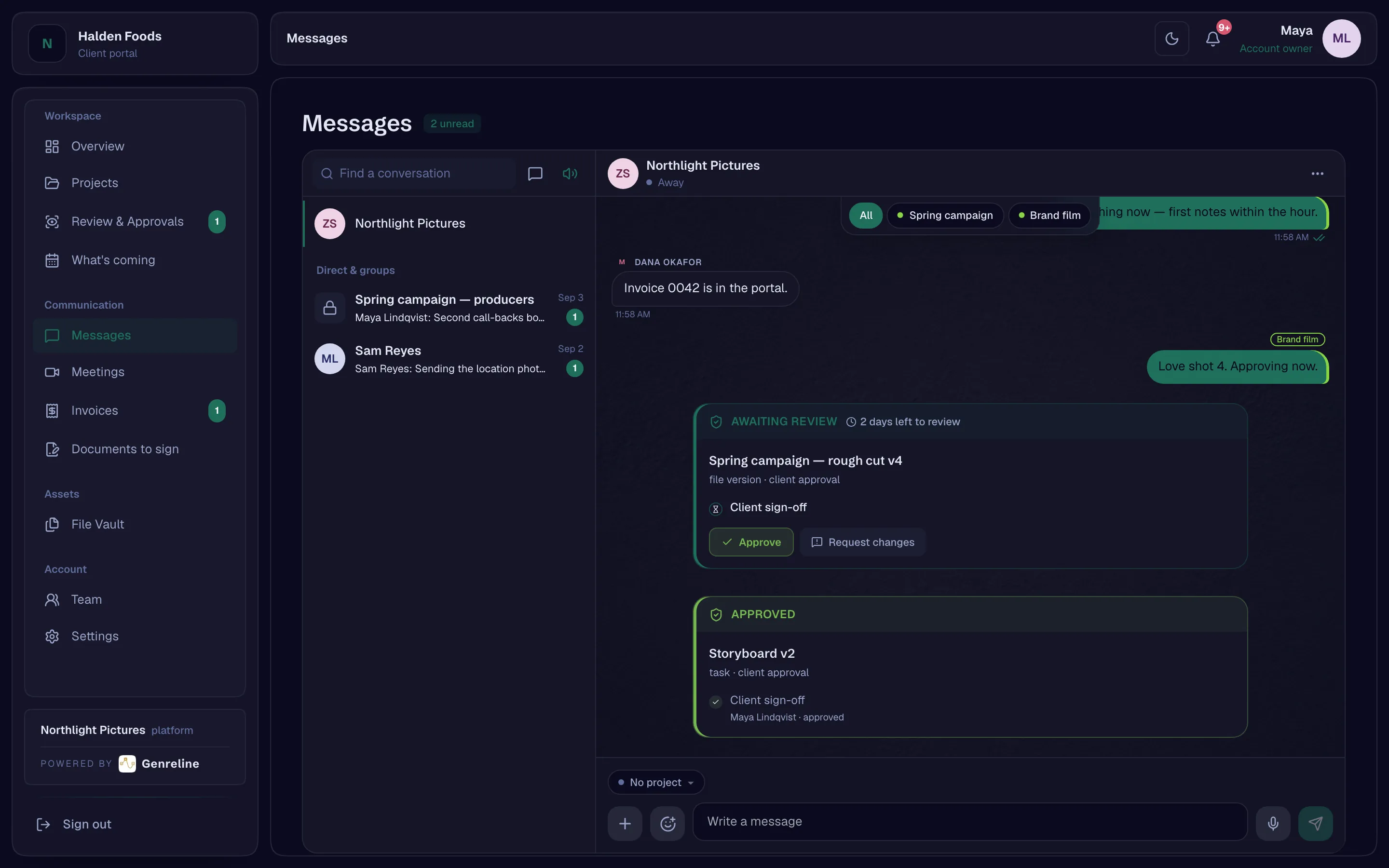
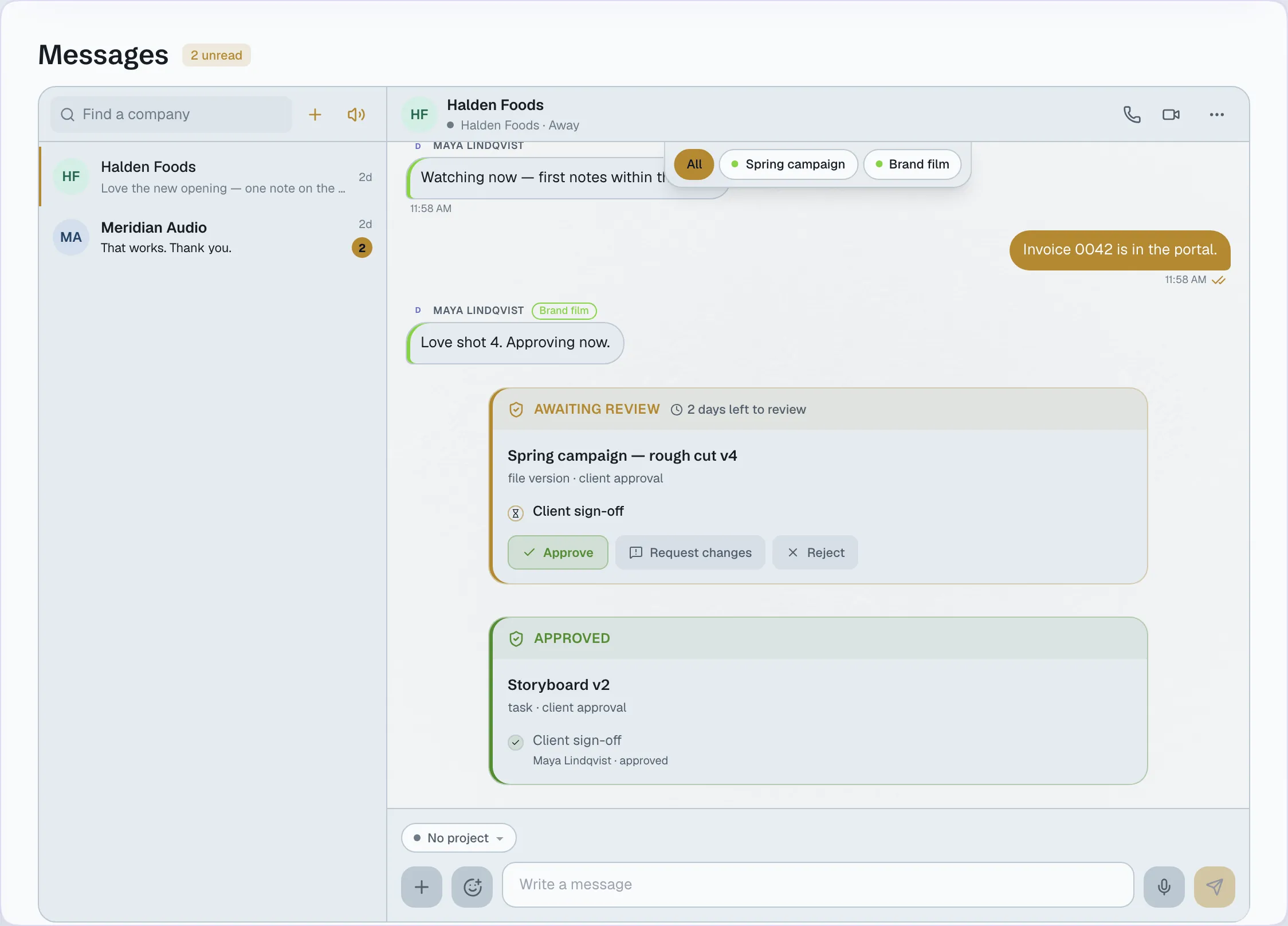
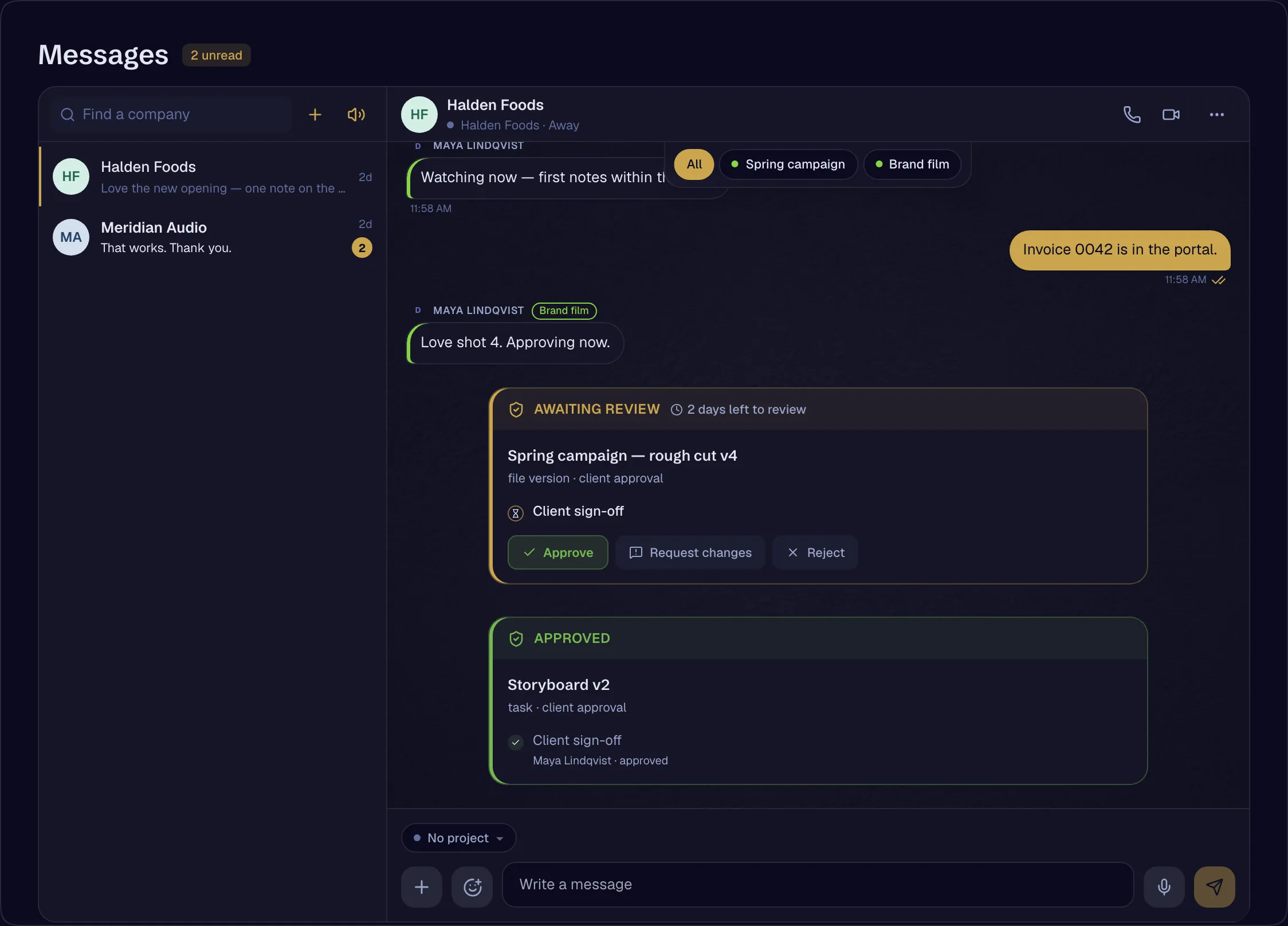
The studio and the client share one room per company, with project tags, threads, mentions of people and of projects, files, tasks and approvals, read receipts and voice notes. An outside collaborator can be seated in one room and nowhere else.
- Company rooms, project tags and a General thread — the client portal is the other side of the roomAvailable
- Per-person read state and receiptsAvailable
- Mentions of projects, files, tasks and approvals, rendered as tokensAvailable
- Attachments and voice notesAvailable
- A message as an approval gateAvailable
- A collaborator seated in one room and its meetings — the Consultant presetAvailable
Review and approval
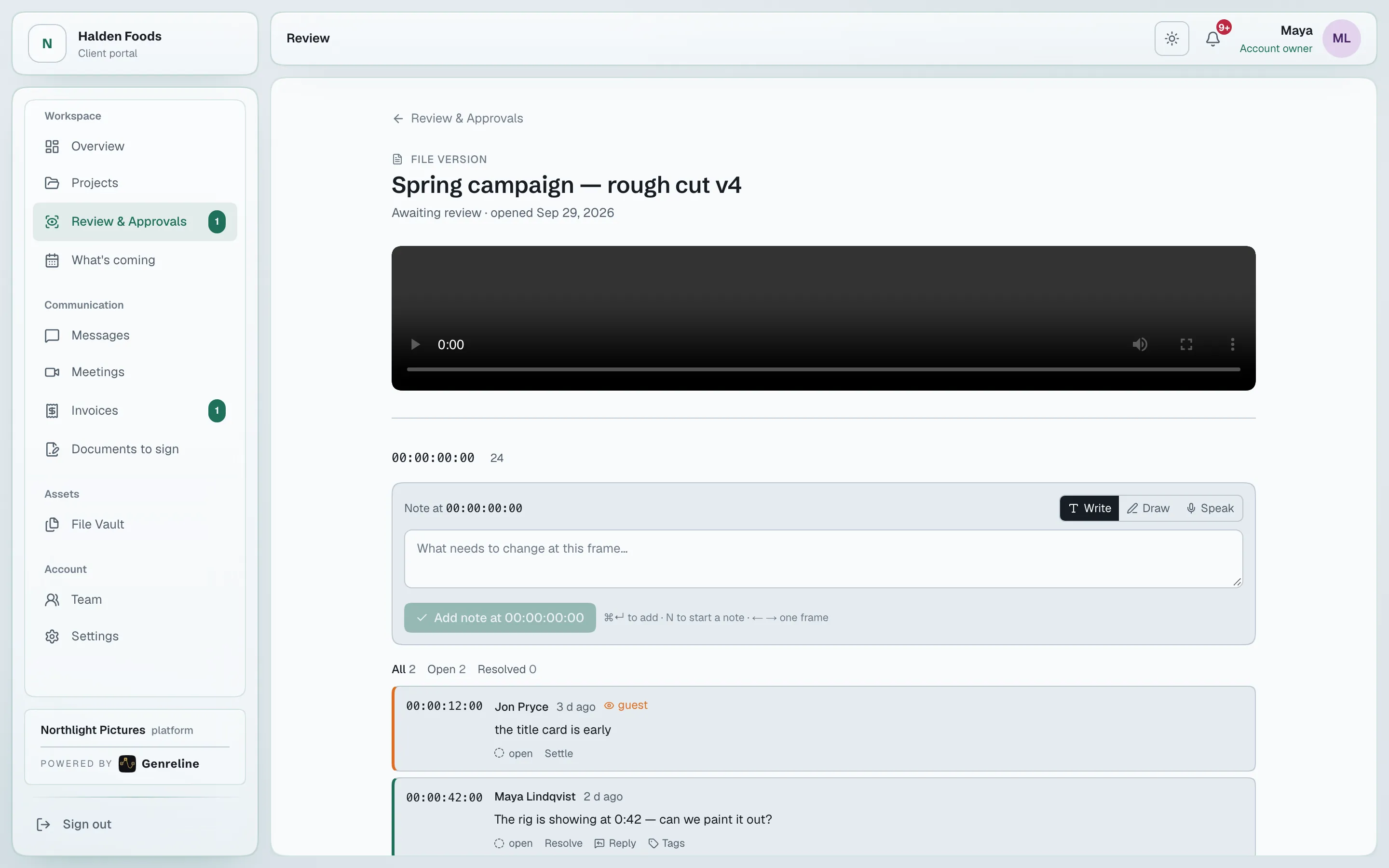
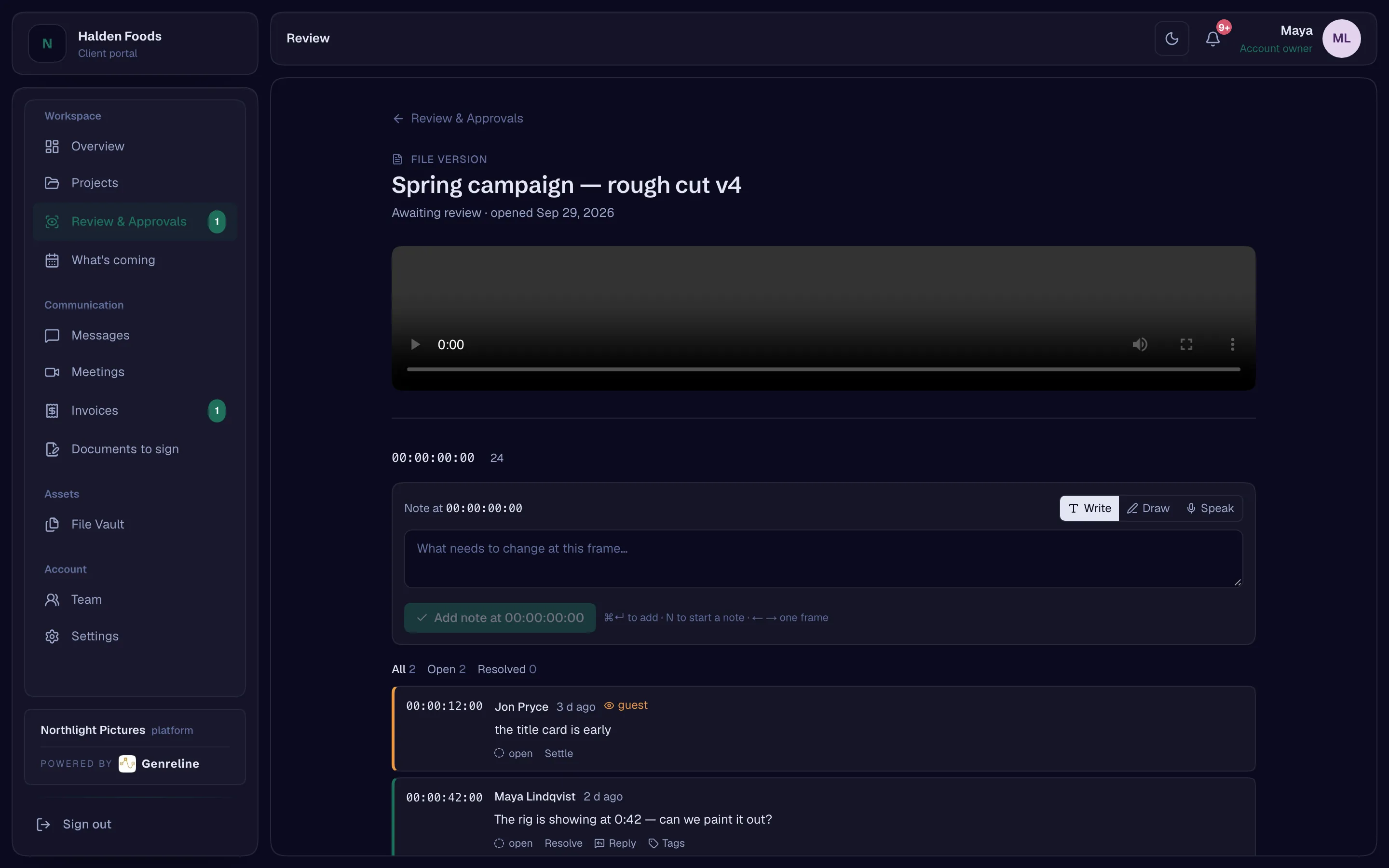
Send a cut, a document or a task for approval with a review window. The client reviews frame by frame and decides — or, if nobody responds, the stage advances and the record says so.
- Approval engine — stages, review windows, automatic advance on silence, the reminder ladderAvailable
- Printable certificateAvailable
- Frame-accurate review with markersAvailable
- Watch evidence joined to the approvalAvailable
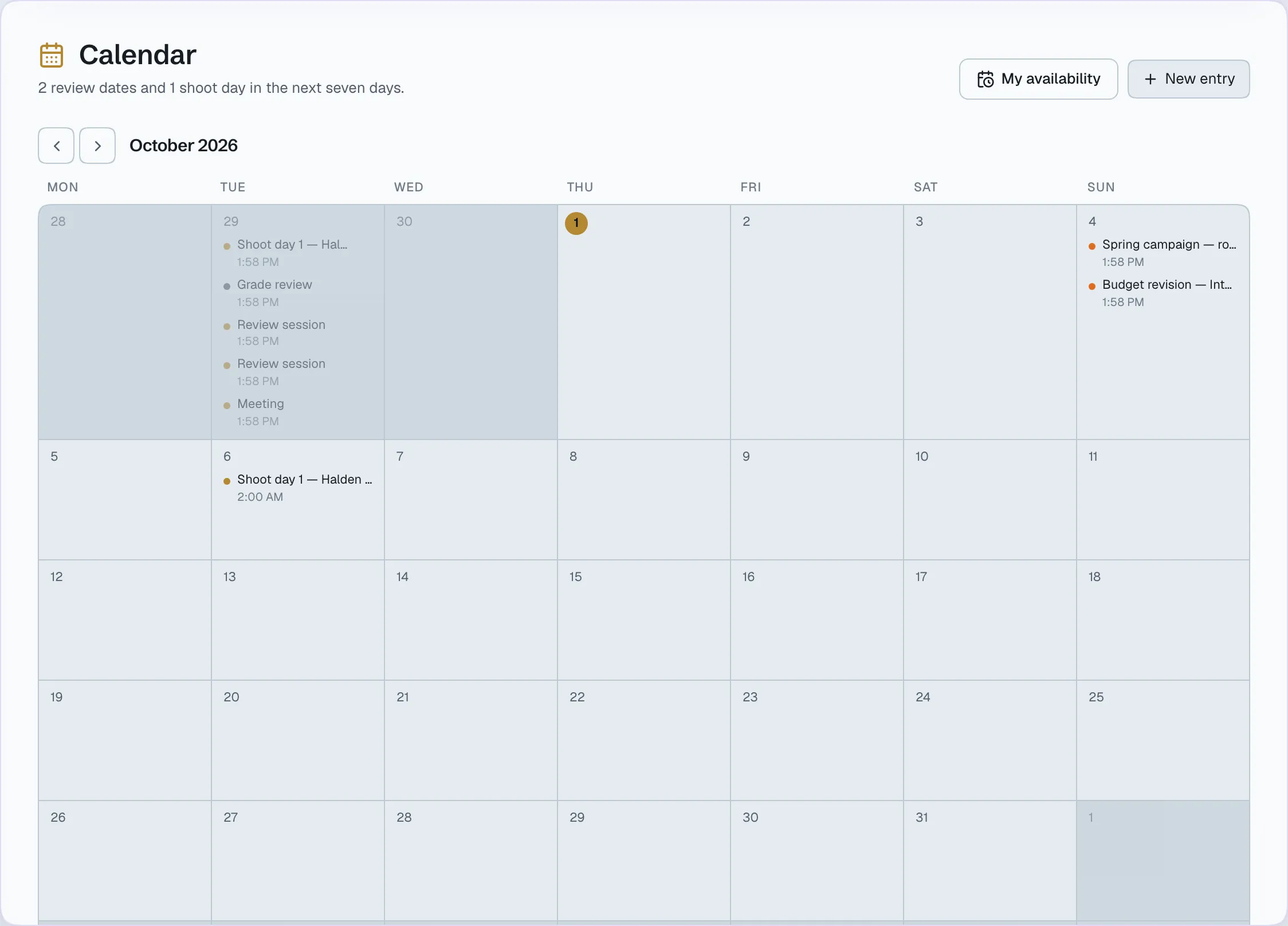
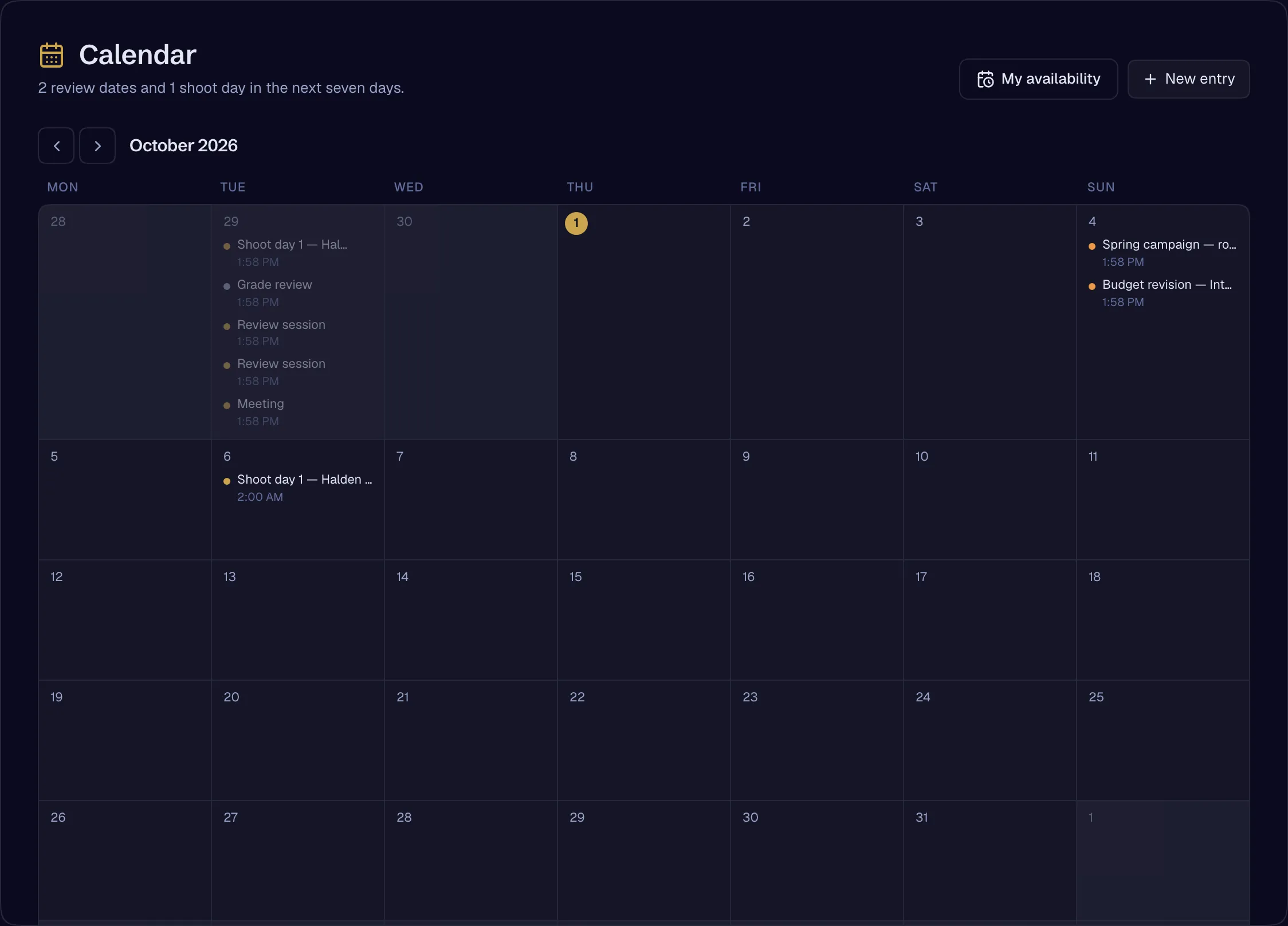
The client’s calendar
The client sees what’s coming, ordered by whose move it is. Each pending decision says what happens if nobody responds: the stage advances automatically, and the production moves on.
- Calendar on both sides — review deadlines and invoice dates, by projectionAvailable
The vault
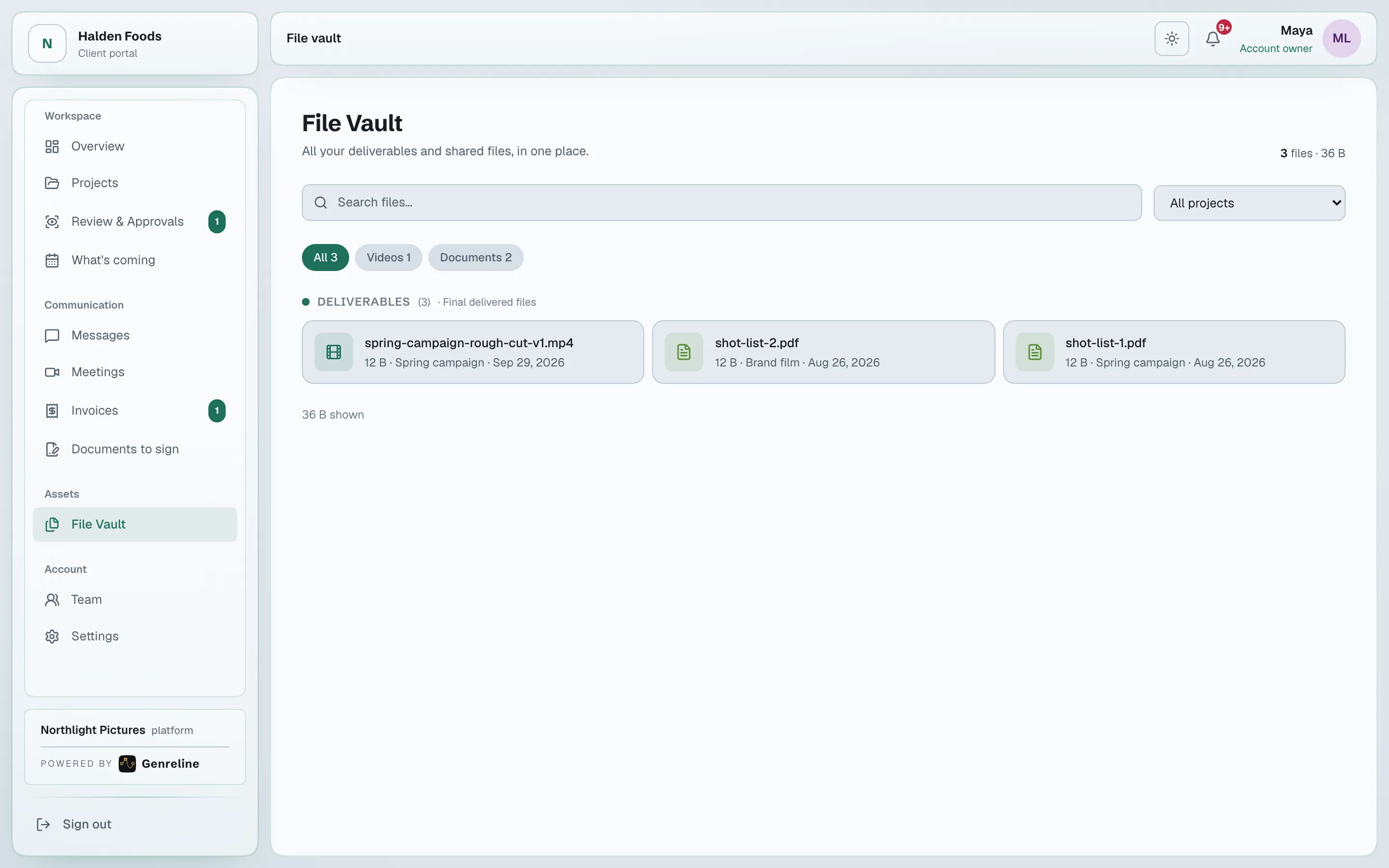
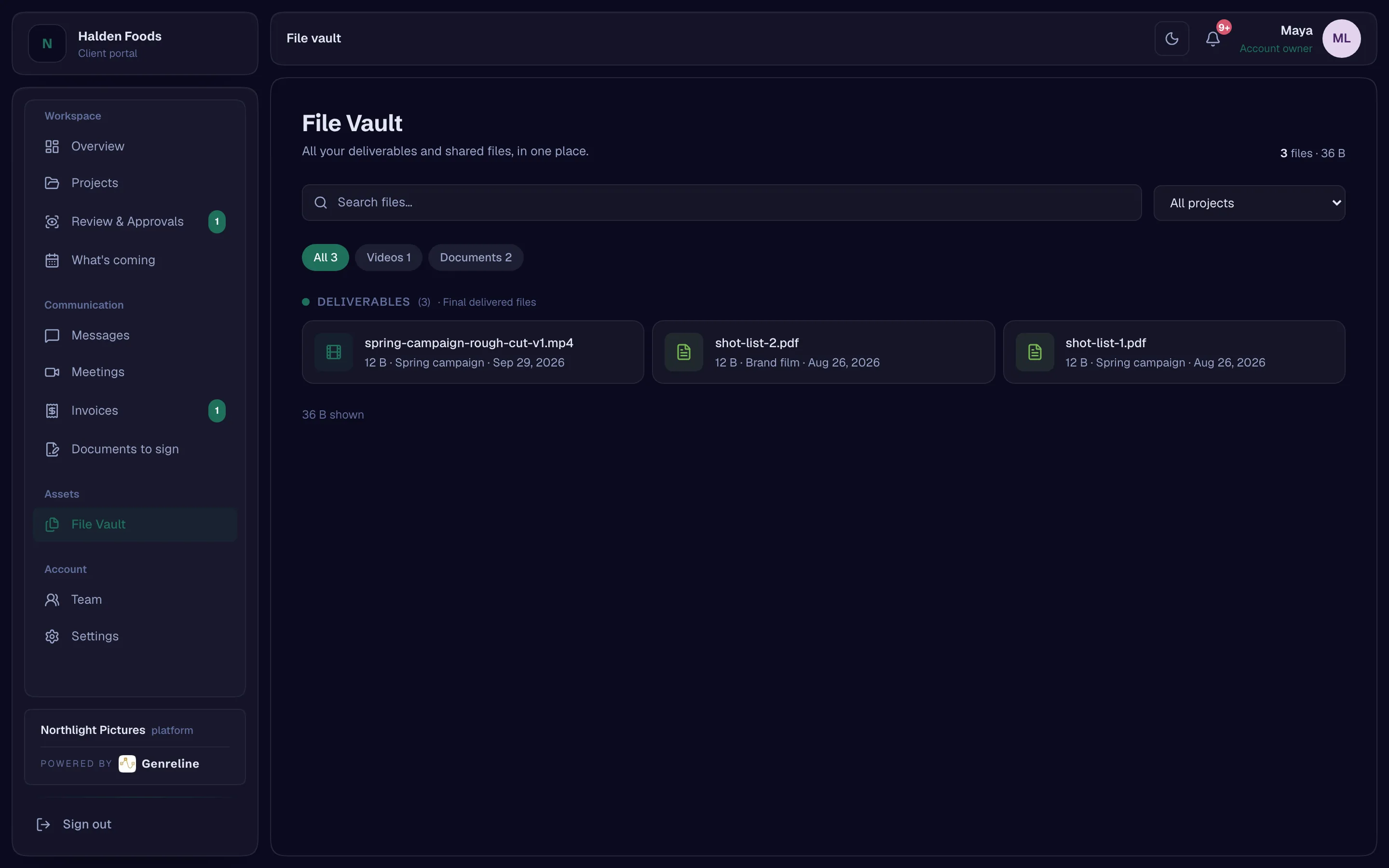
Files on both sides, by production. Large uploads pause and resume, and a new version stacks on the one before it.
- The vault, on both sidesAvailable
- Resumable large uploads — pausable, resumable, verified on the serverAvailable
- File version stackingAvailable
Contracts and releases
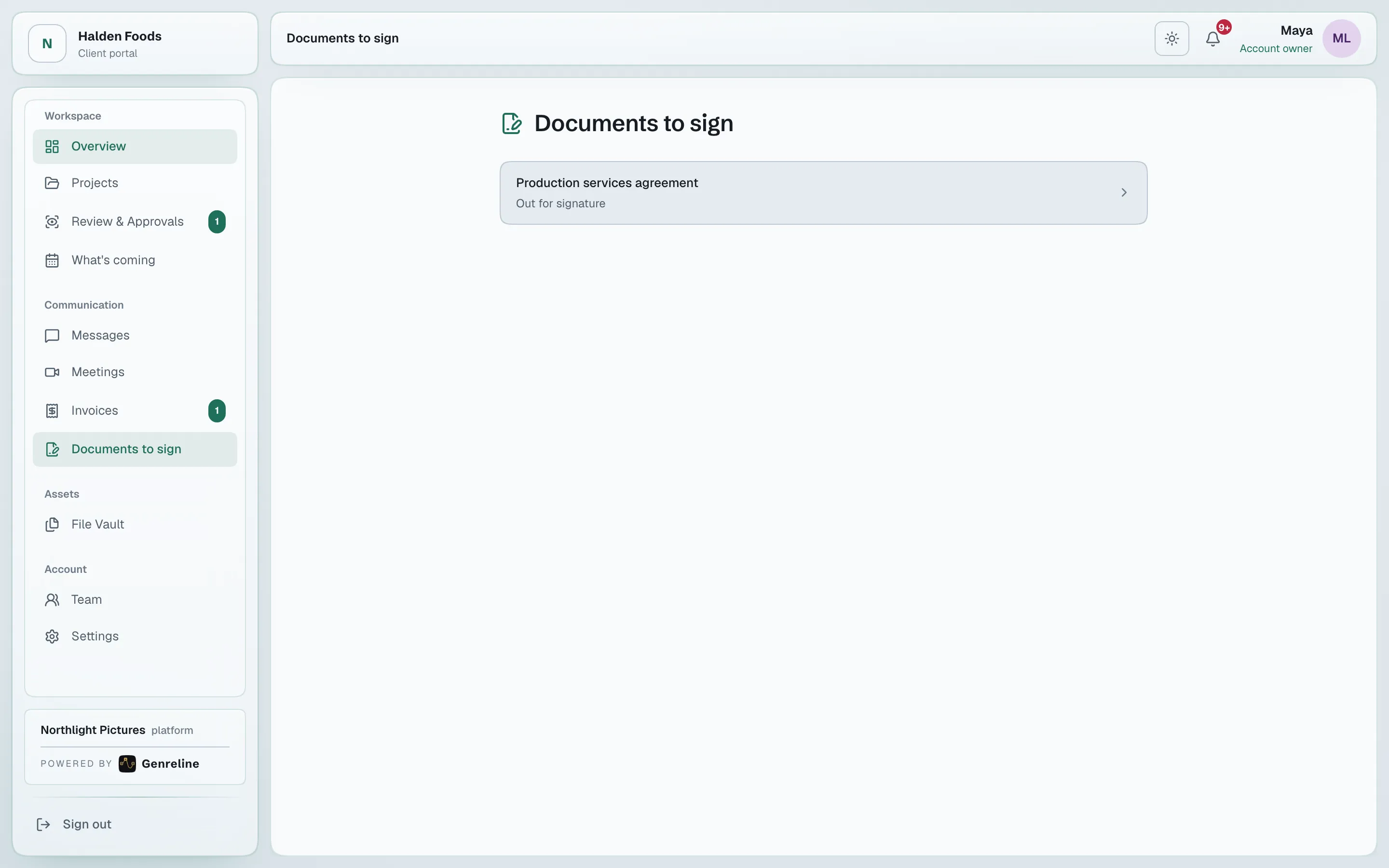
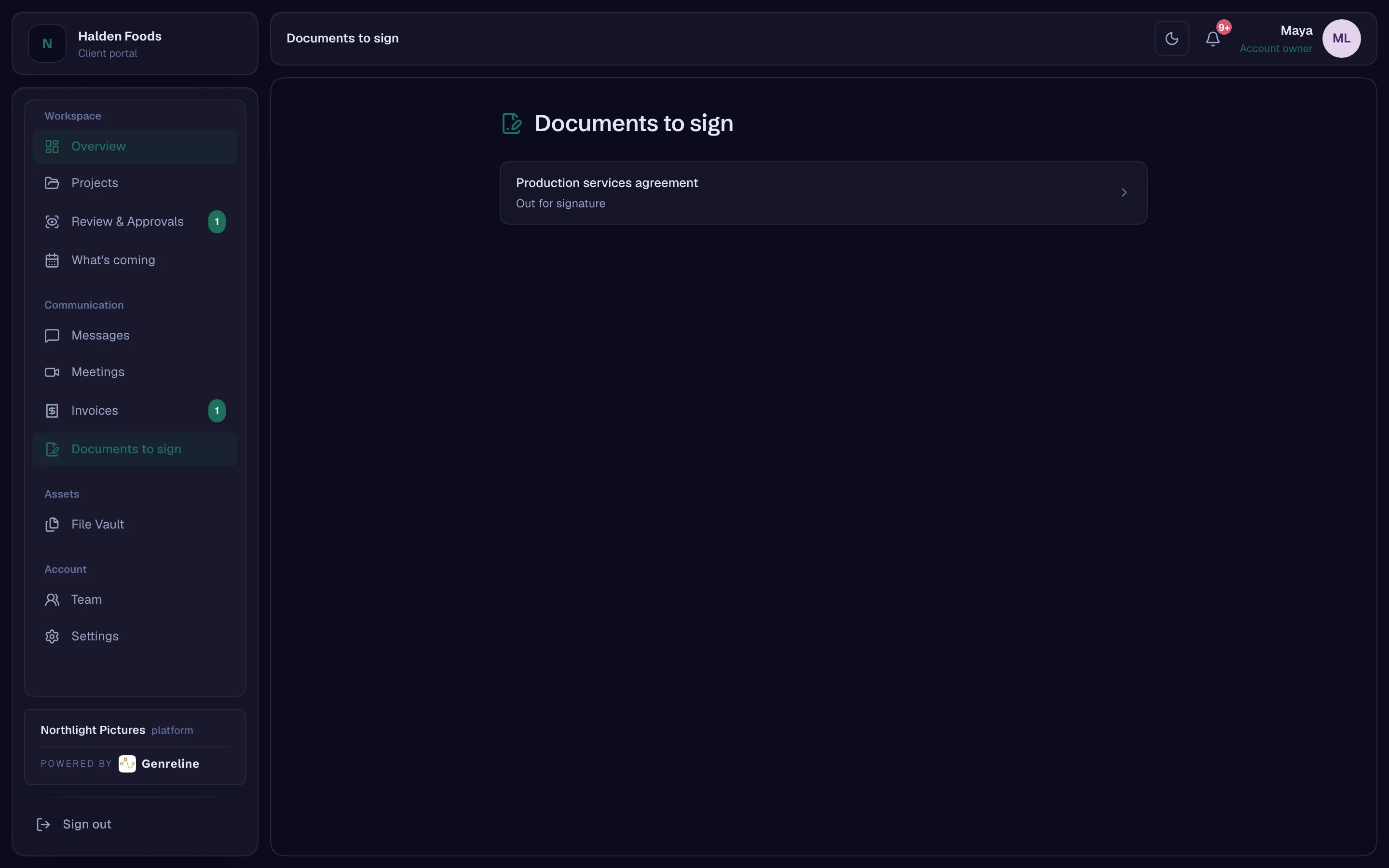
Contracts from templates, signed in the portal or through a single-use link by somebody with no account. A signed talent or likeness release writes the rights it proves onto the asset.
- Templates with merge fields that report what they could not fillAvailable
- Single-use signing links for signers without accountsAvailable
- Releases — talent, AI likeness, location, music — that write the rights they proveAvailable
Meetings and booking
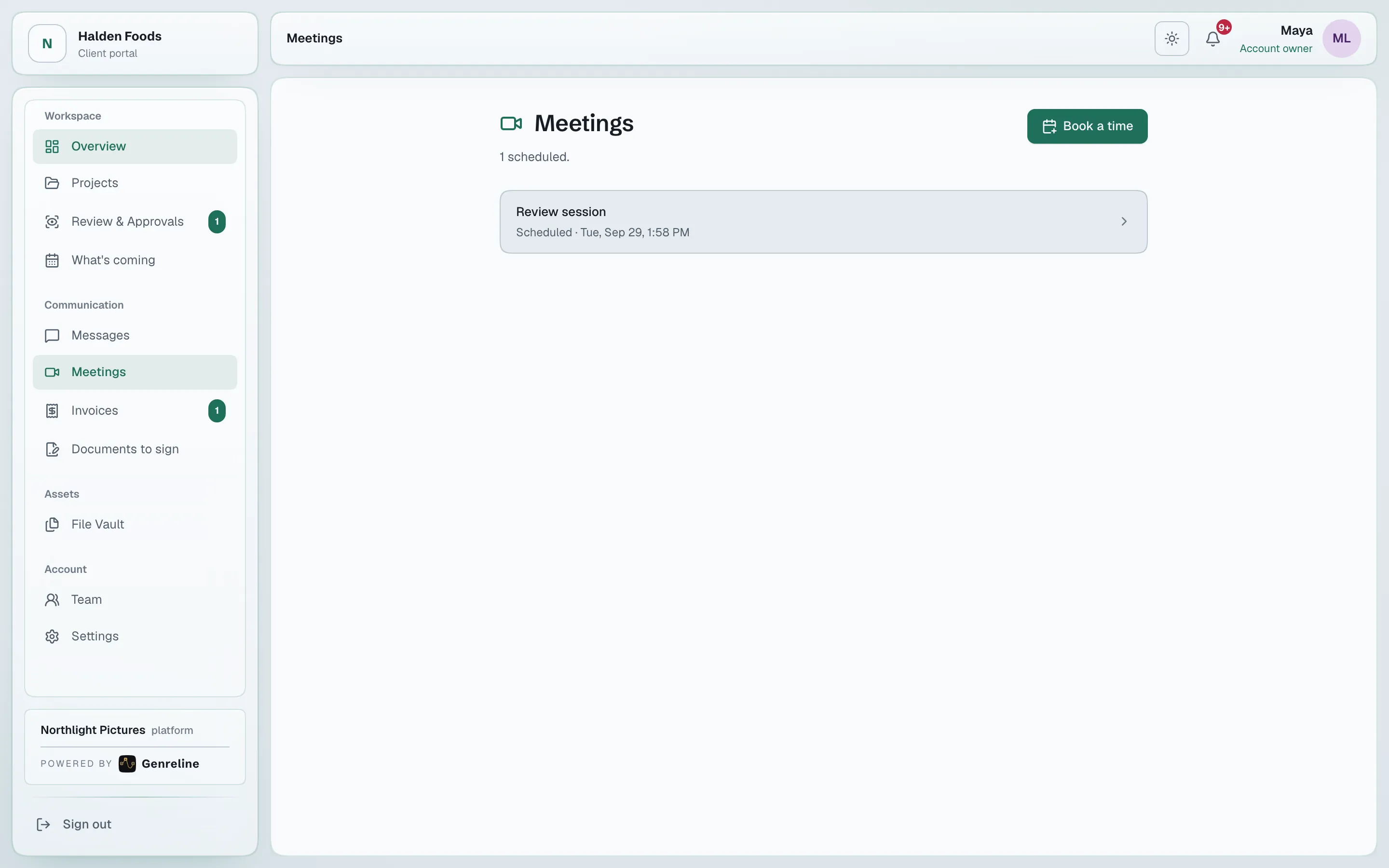
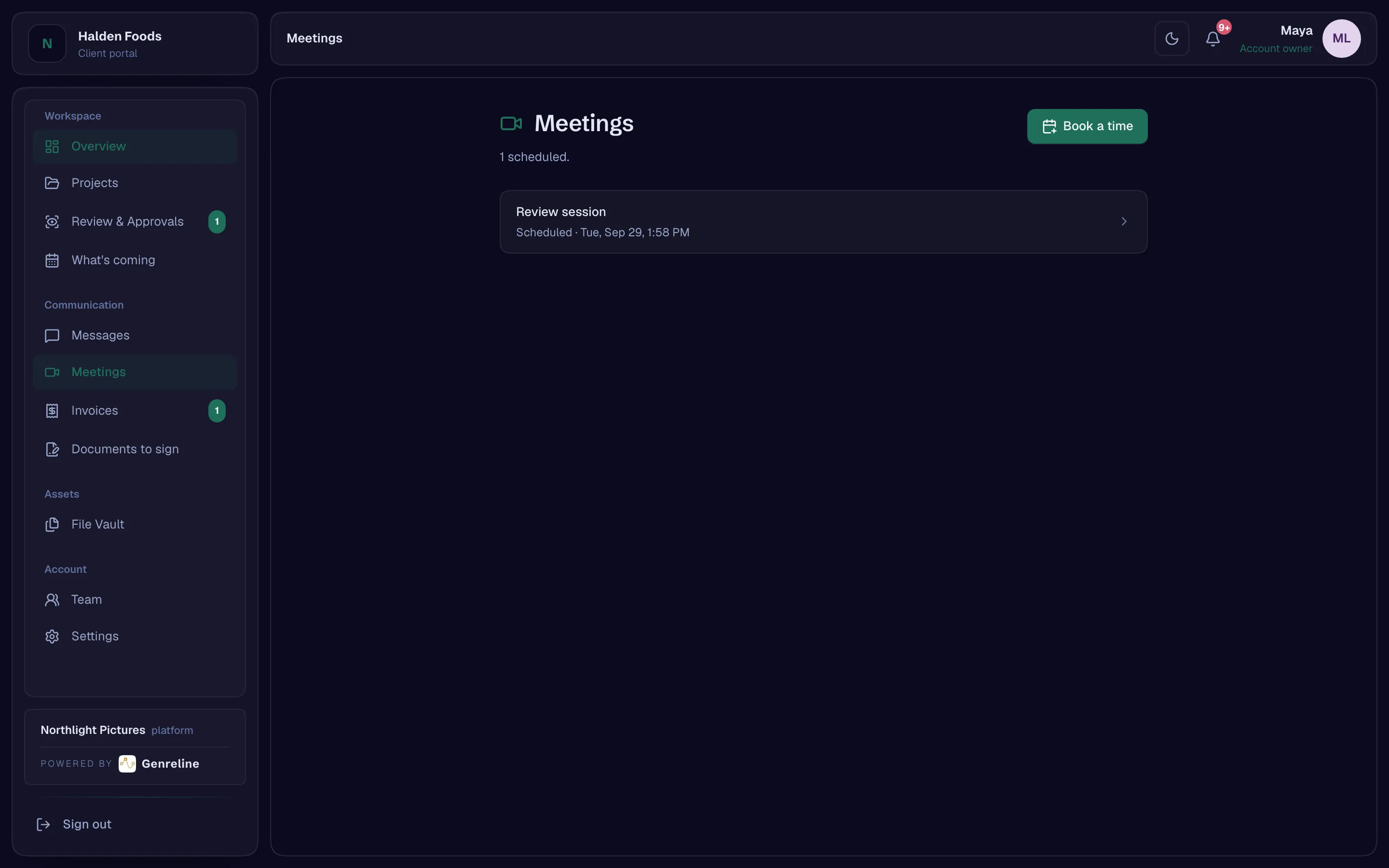
Meetings addressed to a client company are joinable by its team. The client books from your availability, and the meeting is the booking.
- Audio and video meetingsAvailable
- Booking — availability rules, overrides, time-zone safe; the meeting is the bookingAvailable
The screening room
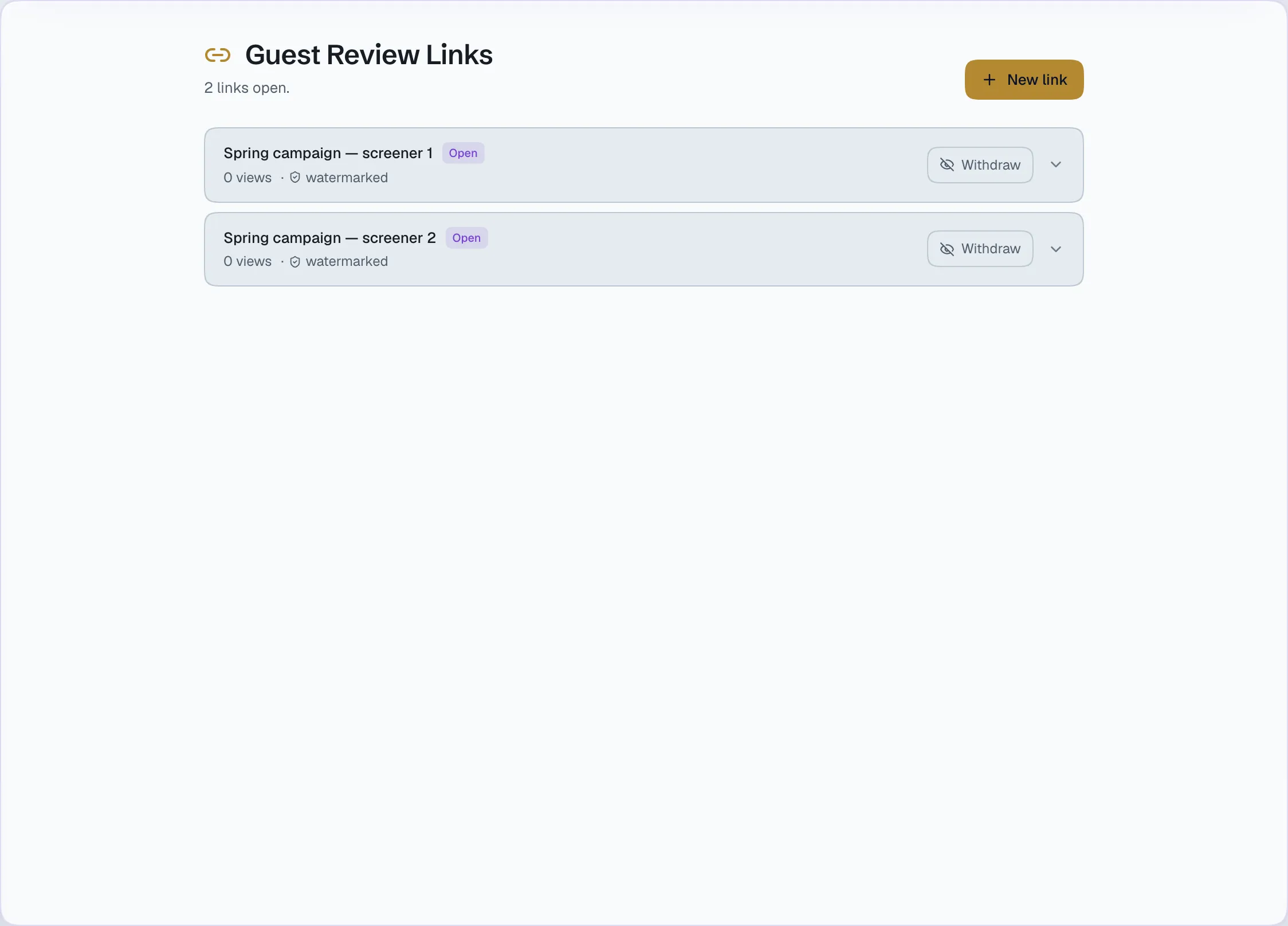
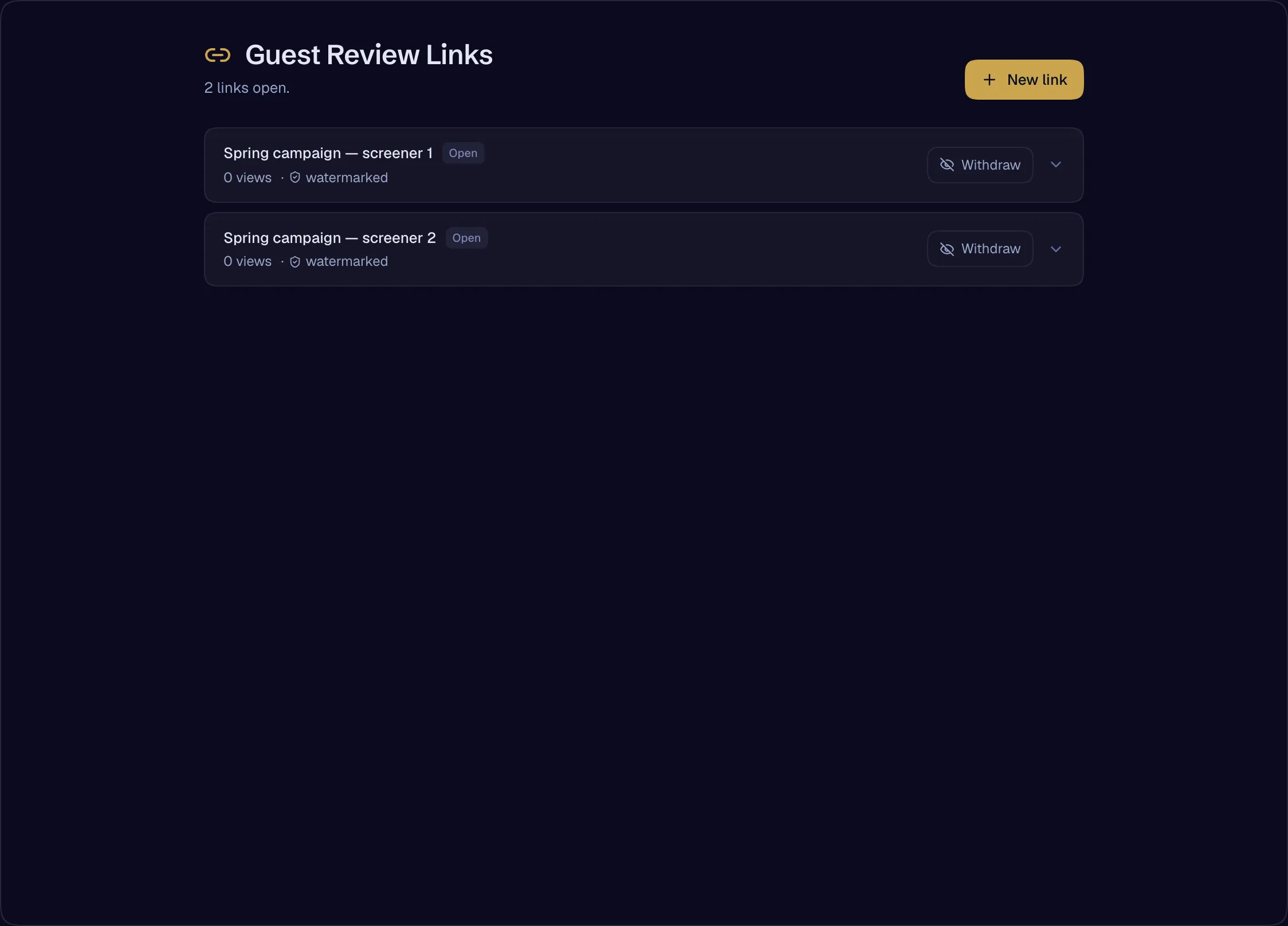
Show a cut to somebody with no account through a guest link with a passcode, an expiry and a view limit. Every guest sees their own identity moving across the frame — a session watermark, not forensic marking — and the studio sees how far each guest actually watched.
- The screening room — guest links for people without accountsAvailable
- Session watermarking on screening links — session watermarking onlyAvailable
- Guest review notes as evidence; resolve and tag as ledger eventsAvailable
Your brand, everywhere it leaves the building
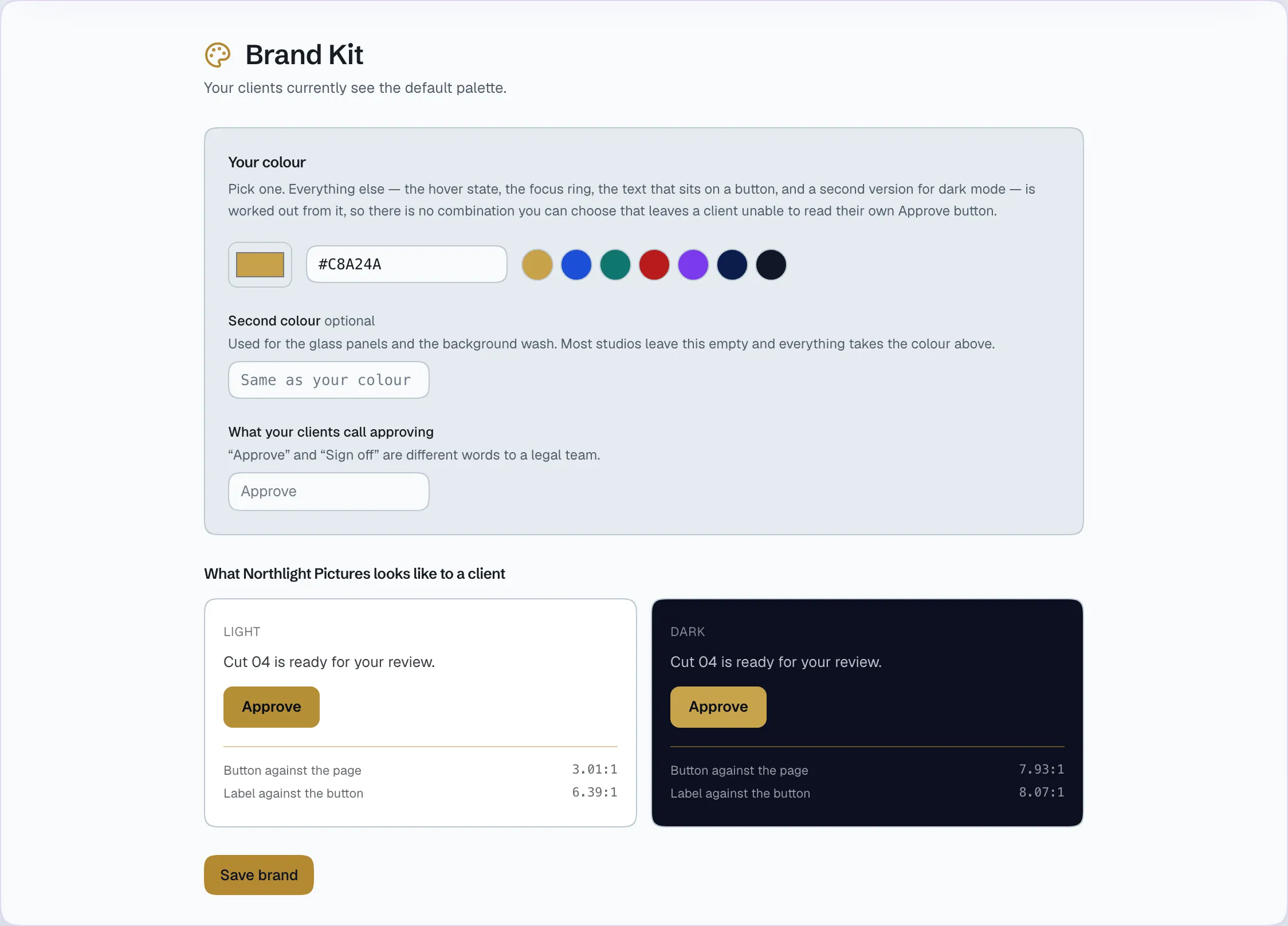
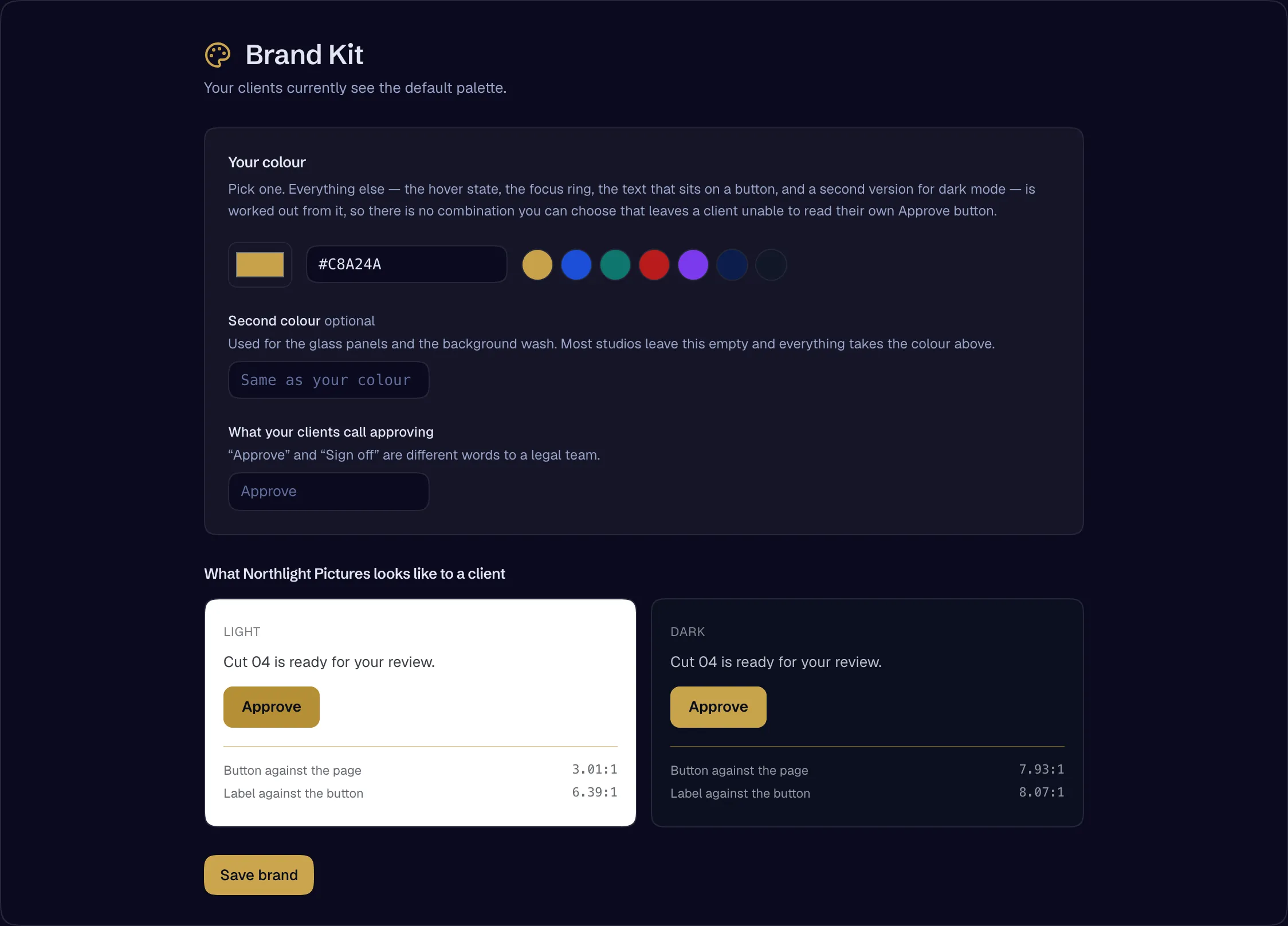
The portal, the screening page, the signing page, the email and the sealed contract PDF carry your studio’s name, logo and colour. Your clients never receive mail branded Genreline.
- Tenant branding — the portal wears the studio’s name and logoAvailable
- White-label brand kit — one colour in, an accessible light-and-dark palette out, reaching the portal, screening, signing, email and the sealed PDFAvailable
- Sender identity per studio — a studio’s clients never receive mail branded GenrelineAvailable
Disclosure the client bears
When an asset contains a synthetic performer, the clearance panel tells the client — the party that runs the advertisement — what has to be disclosed, alongside what the signed releases permit.
- Clearance panel — disclosure obligations for synthetic performers, read to the client who bears themAvailable
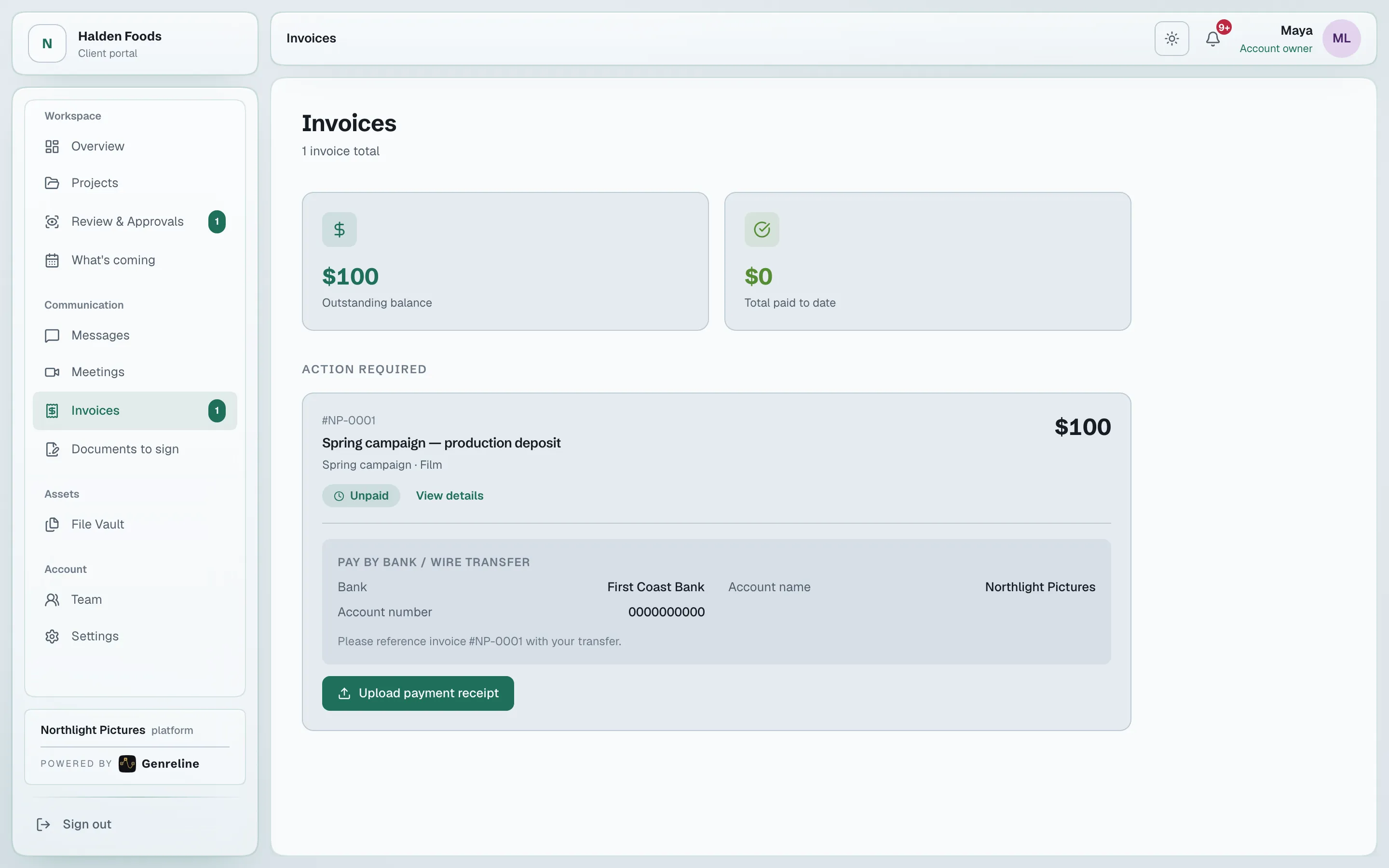
Invoices
Numbered invoices with your bank transfer details on every one, or a Stripe payment link you add. The client sees them in the portal.
- Client invoicesAvailable
- Bank transfer details on every invoice, or a Stripe payment linkAvailable
Who works here
Everyone in it, with exactly what they need
The client’s owner
Their company’s whole portal, and the power to invite their own team
Reviewers and approvers
The cuts and approvals addressed to them, scoped to their projects if the owner says so
Client legal and finance
Contracts, the clearance panel, and invoices
Guests
One cut through a screening link, watermarked with their name — no account
Signers
One document, through a single-use link
New teammates
History only from the date the owner sets
Open a studio, invite your team, add your first client. The record starts with the first approval.