

Money
Money, with the controls in front of the spend.
Invoices for clients, credits for metered work, a budget for every person, and a ceiling on every AI call — in the same place as the work they pay for.
What it replaces
Instead of a dozen tools
- An invoicing tool
- Shared AI accounts on a company card
- A spreadsheet of who spent what
One place, one record.
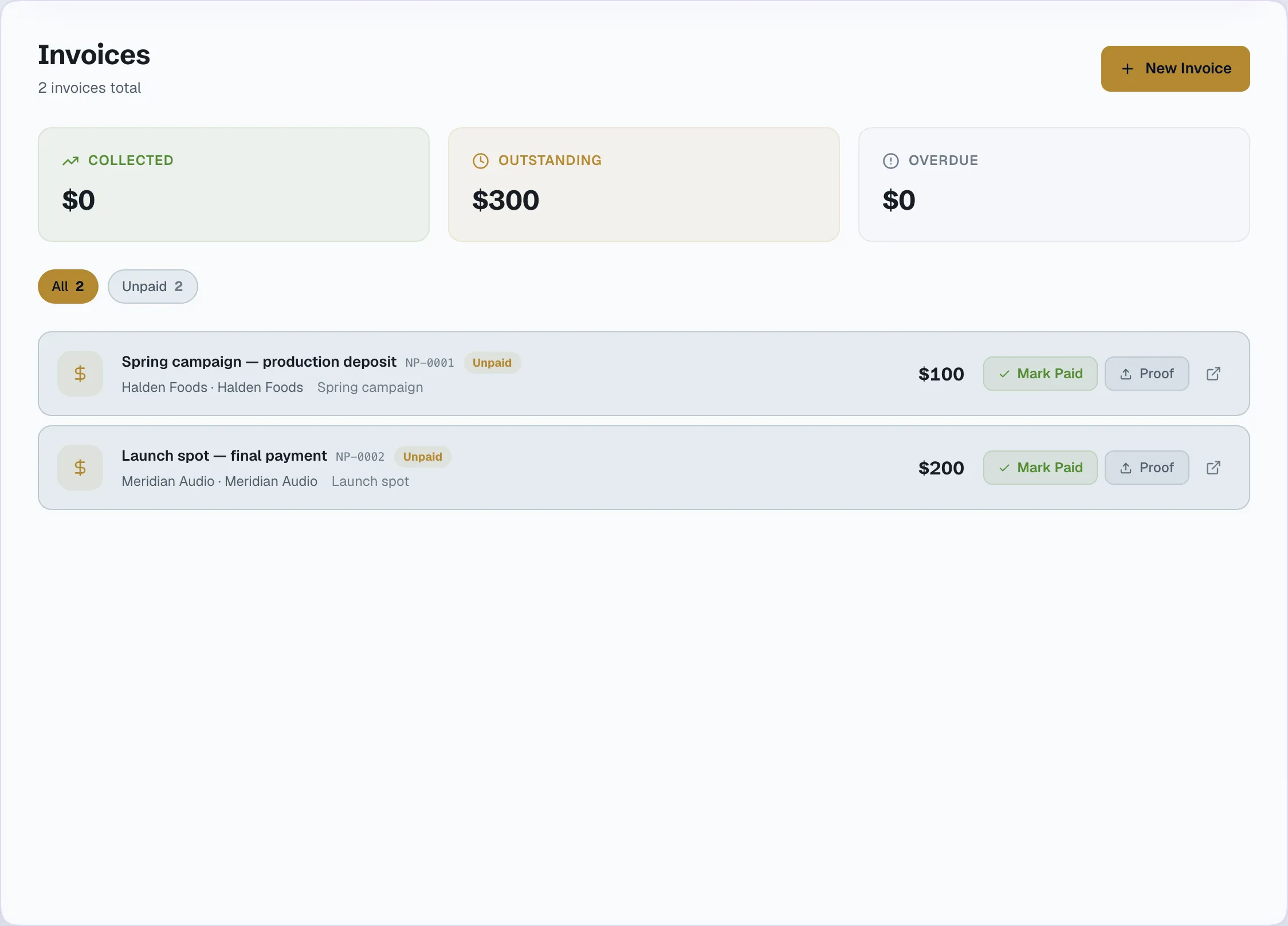
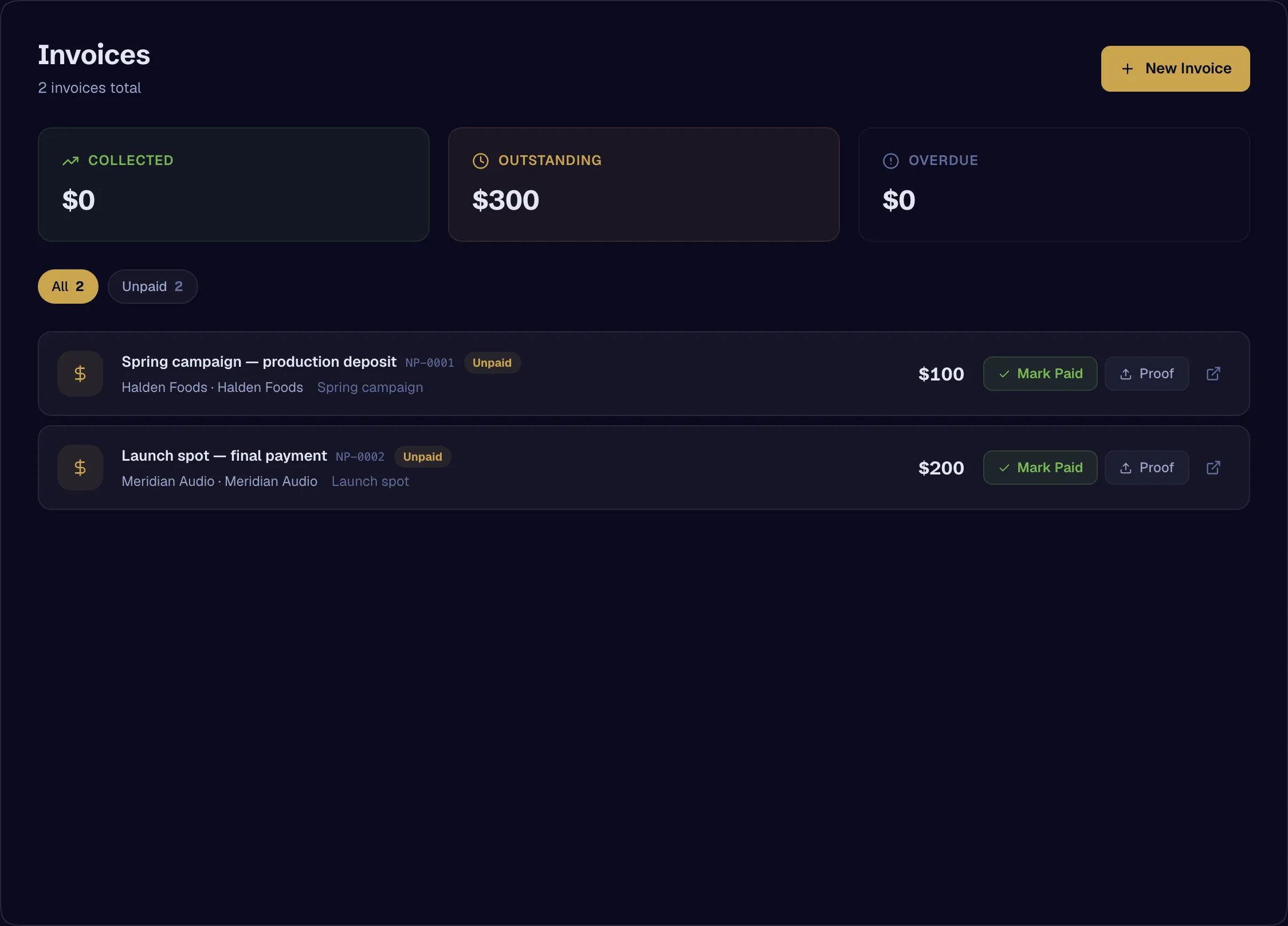
Invoices
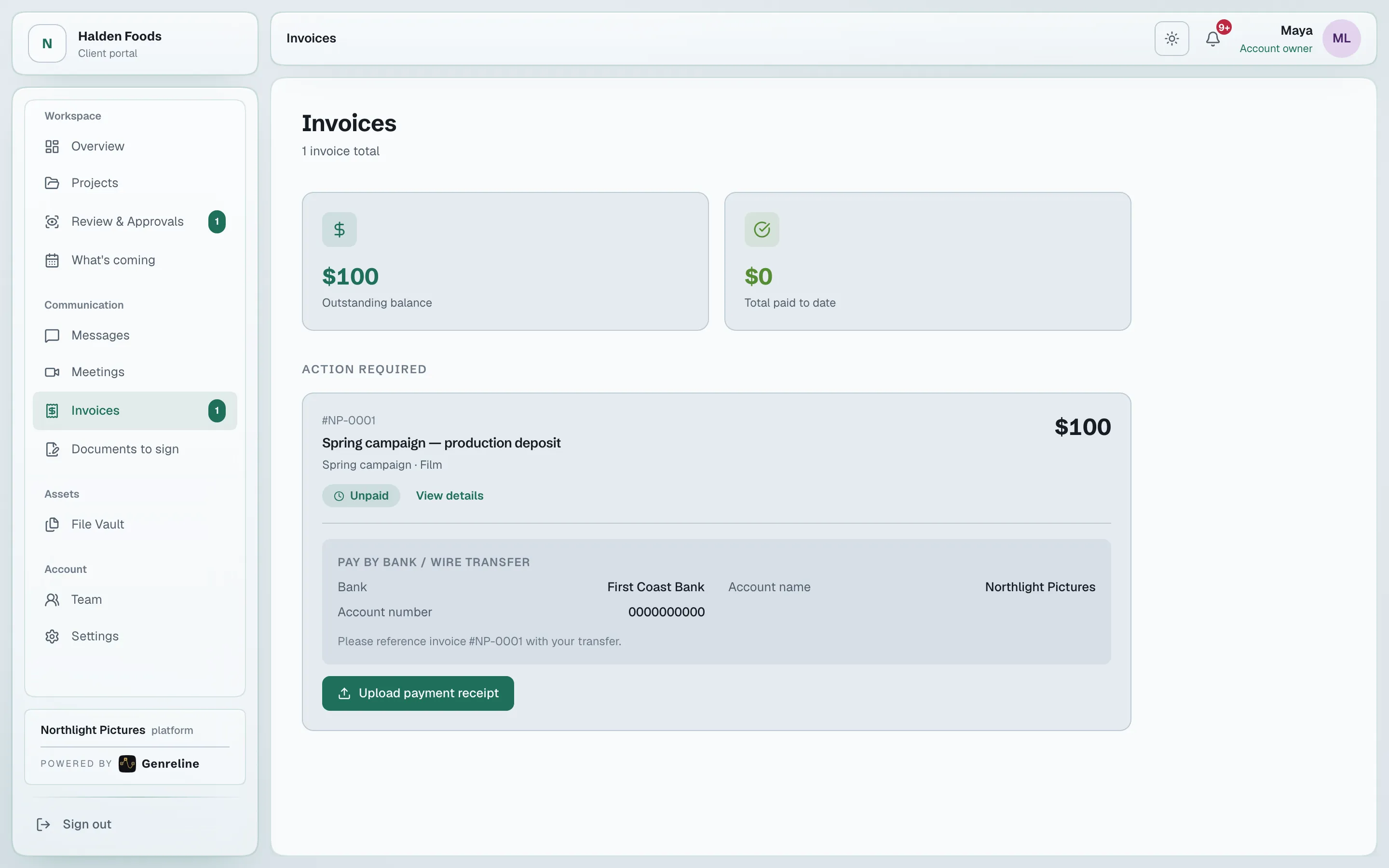
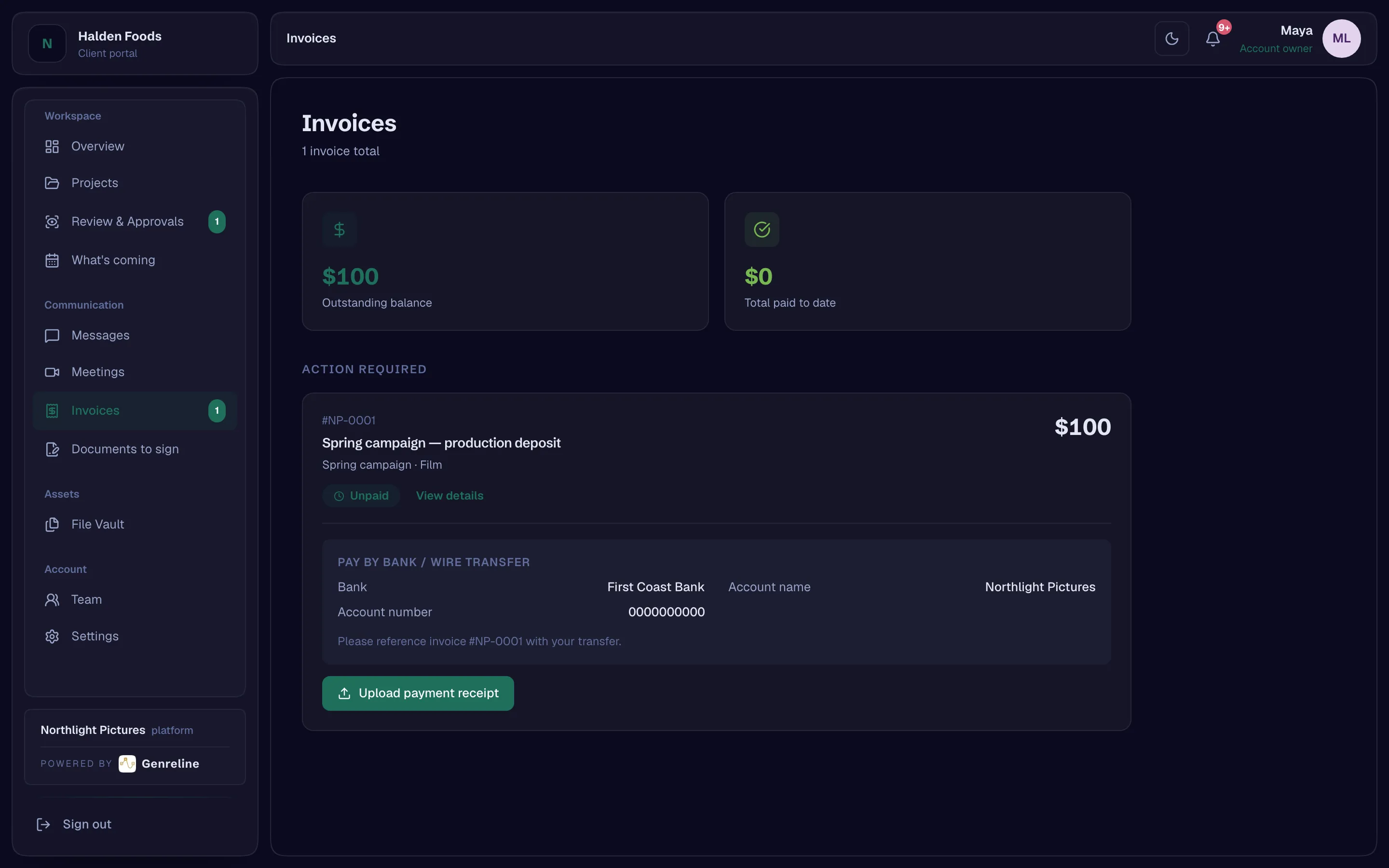
Numbered invoices addressed to a client company, with your bank transfer details on every one, or a Stripe payment link you add. The client sees them in the portal.
- Client invoicesAvailable
- Bank transfer details on every invoice, or a Stripe payment linkAvailable
Credits
Metered work is paid from a credit balance the studio tops up. The balance stops at zero; it never goes negative.
- Organization credits and top-upsAvailable
- A hard stop at zero balanceAvailable
A ceiling on every call
Every AI call is priced before it runs — the prompt about to be sent and the longest reply it could get. Above the ceiling, the person is shown the number and asked to confirm.
- A per-call ceiling on AI spend, with confirmation above it — for text AIAvailable
A budget for every person
Spend limits per person and per seat class, by day, week or month. The person a budget governs can always see it.
- Per-member and per-seat-class budgets, each visible to its holderAvailable
Open a studio, invite your team, add your first client. The record starts with the first approval.