

Product
One operating system. Three spaces.
Crew is where the studio works. Client is where it serves the companies it makes things for, in its own brand. The Suite is where the work is written, boarded and kept. Underneath all three is one record.
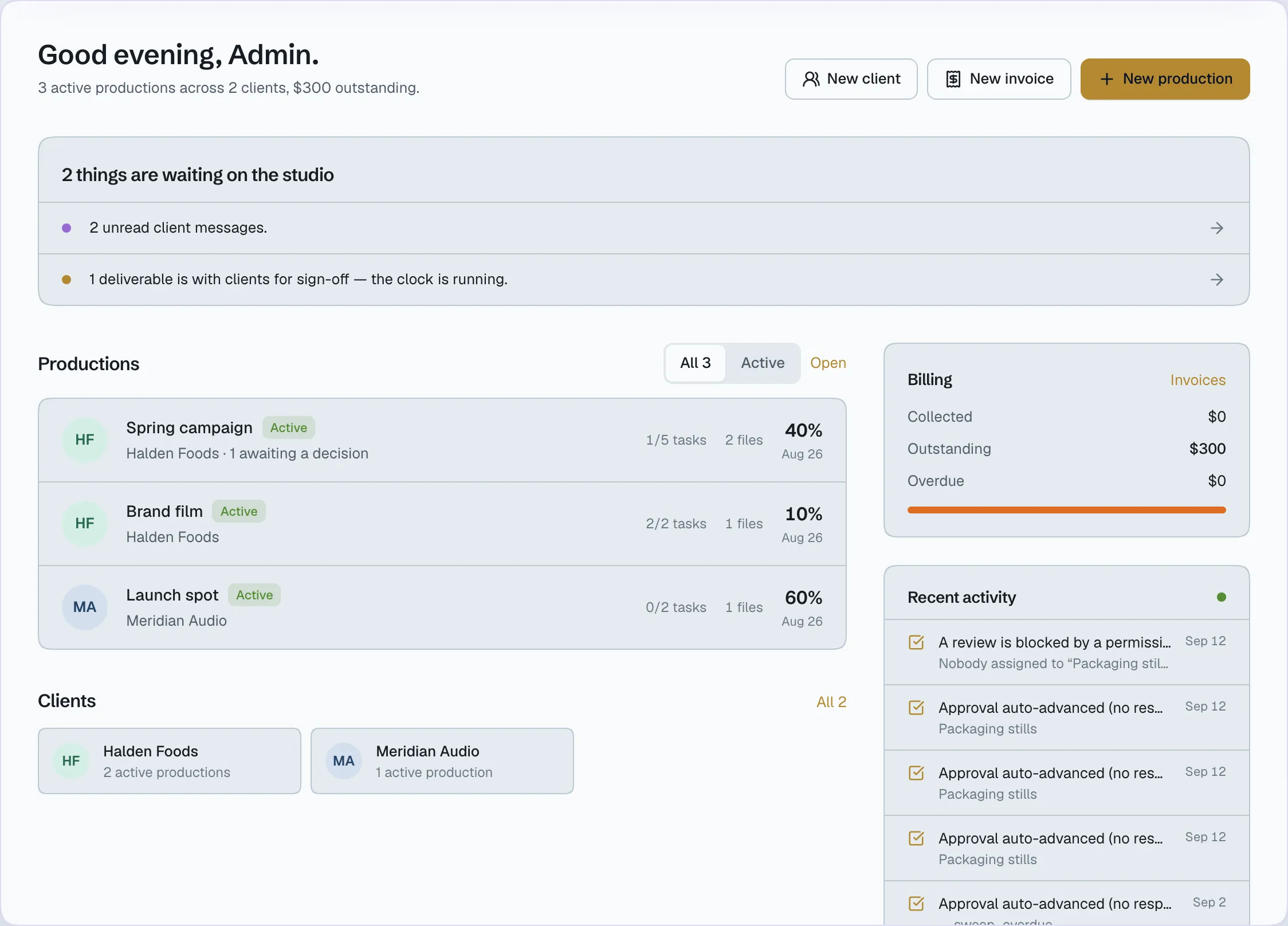
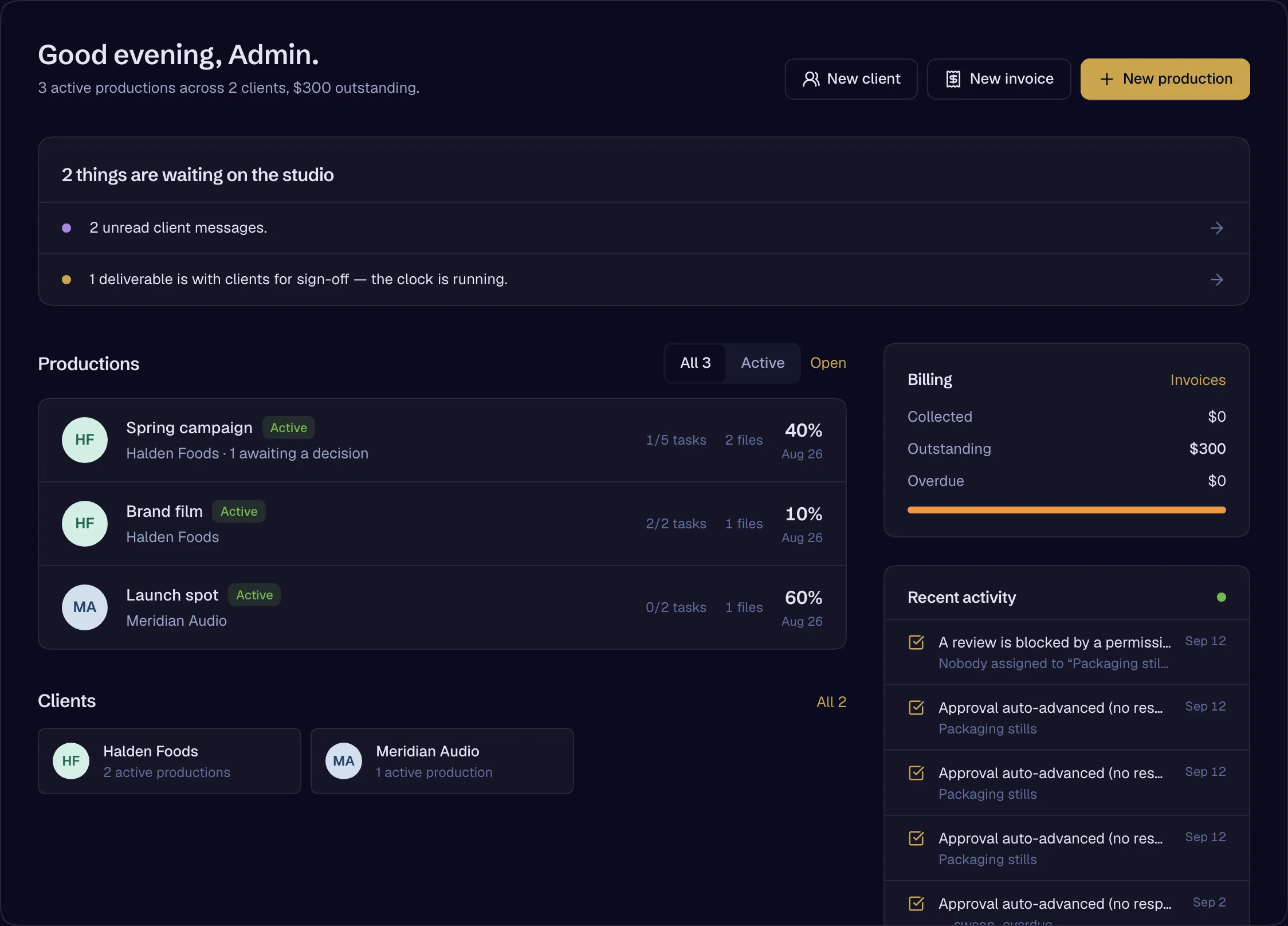
The spaces
Crew, Client and the Suite
Where the studio works.
Who is on the job, what they are doing and what they may see — and the breakdown that comes straight out of the script.
- A directory that is a production database — skills, rates, union, kit, availability
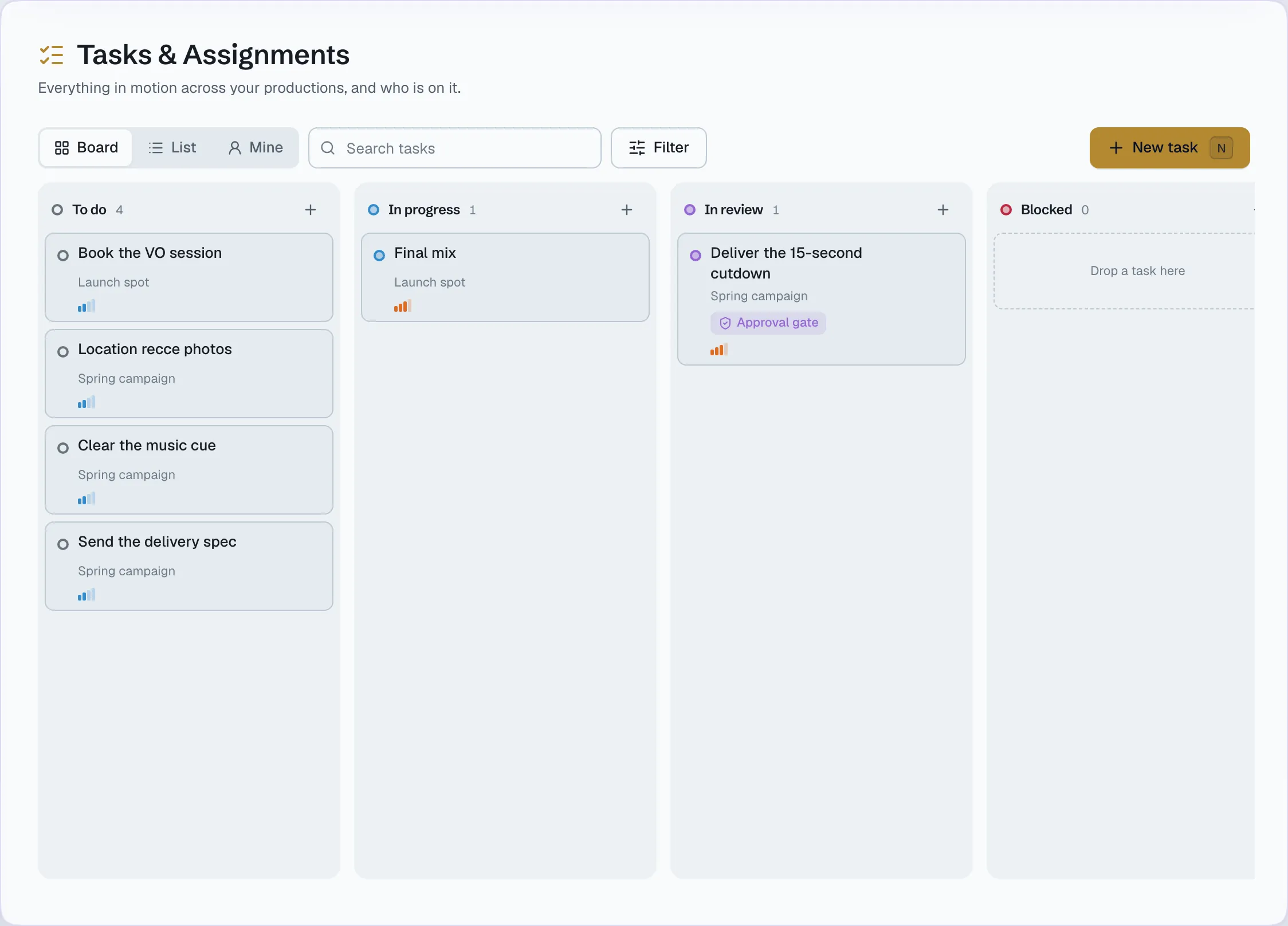
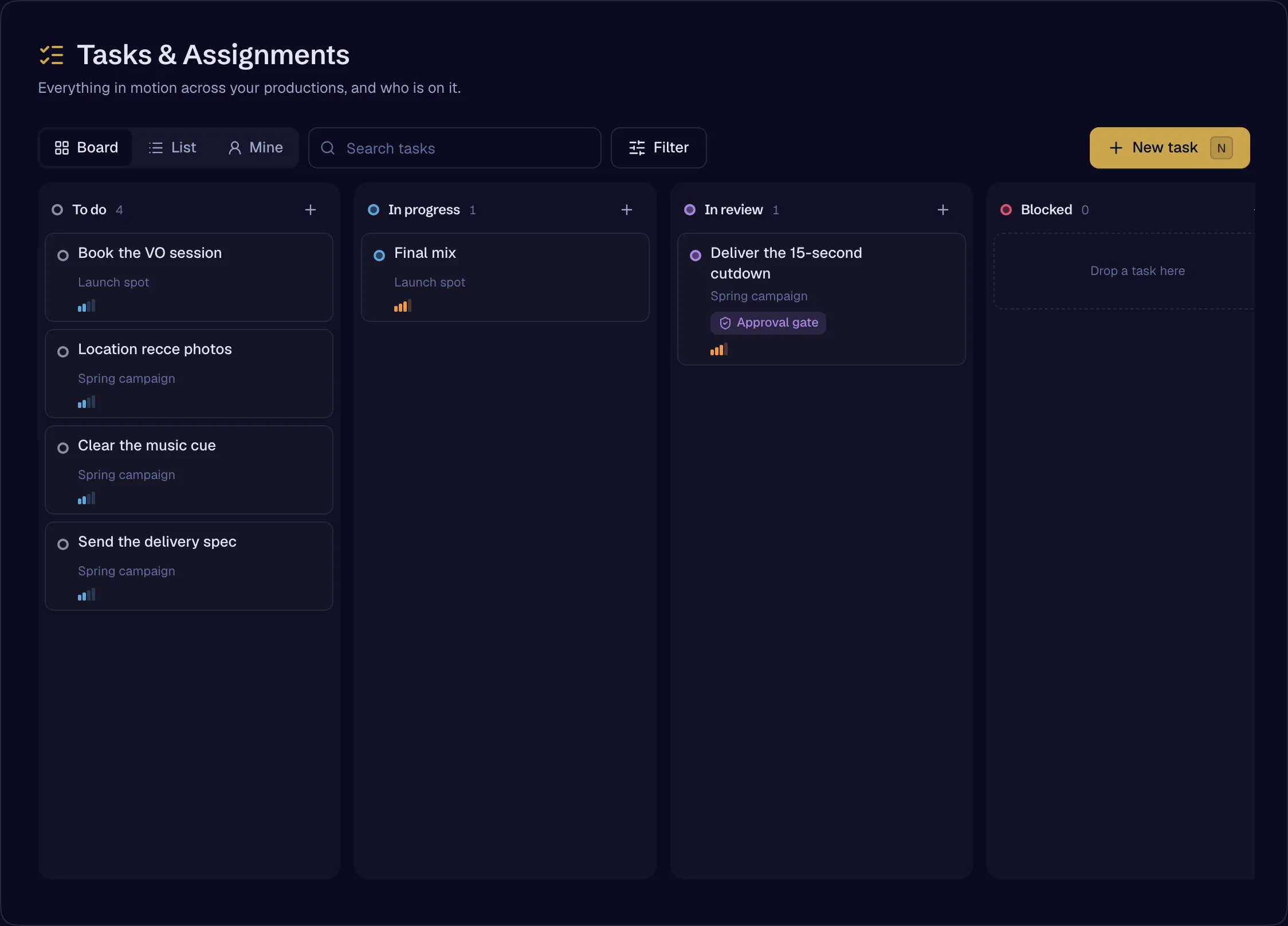
- Tasks with assignees from both rosters, subtasks, relations and watchers
- Internal rooms, threads and a call button in every room
- Scenes and elements broken down from the script
- A budget per person for AI spend
- Roles, project roles, seats, grants and denials with expiry
Who works here
What it replaces
Dozens of tools, one system.
31
jobs a studio runs on separate tools today. 21 are already one place in Genreline; the rest are being built into the Suite.
Crew
Running the team and the production
- Team chatIn Genreline
Slack, Microsoft Teams, WhatsApp groups
- Tasks and assignmentsIn Genreline
Asana, Monday, Trello
- Crew lists and ratesIn Genreline
Spreadsheets, Airtable
- Script breakdownIn Genreline
Movie Magic, StudioBinder, spreadsheets
- Shared calendarsIn Genreline
Google Calendar, Outlook
- Video callsIn Genreline
Zoom, Google Meet
- Who-can-see-whatIn Genreline
Spreadsheets, IT tickets
- AI spend controlIn Genreline
Shared logins on a company card
Client and portal
Running client work, in your brand
- Client conversationIn Genreline
Email threads, WhatsApp
- Review and approvalIn Genreline
Frame.io, Vimeo Review, Ziflow
- Live review sessionsIn Genreline
cineSync, Evercast, screen-sharing
- Screening linksIn Genreline
Private video links
- Large file transferIn Genreline
WeTransfer, Dropbox, Google Drive
- E-signatureIn Genreline
DocuSign, PandaDoc
- Talent and location releasesIn Genreline
Paper and PDF release forms
- BookingIn Genreline
Calendly
- InvoicingIn Genreline
Accounting-tool invoices, Word templates
- A client portalIn Genreline
A portal in someone else’s brand
The Suite
Making the work
- ScreenwritingIn Genreline
Final Draft, WriterDuet, Celtx
- StoryboardsIn Genreline
Boords, StudioBinder boards
- MoodboardsComing
Milanote, Pinterest boards
- Asset libraryIn Genreline
Shared drives and folders
- Image generationComing
Midjourney, Firefly
- Video generationComing
Runway, Kling, Luma, Pika
- Comparing modelsComing
A tab and a subscription for each
- Upscale and restoreComing
Standalone upscalers
- Dubbing and lip-syncComing
Standalone dubbing tools
- Resizing and cutdownsComing
Manual re-exports
- Music and soundComing
Stock libraries, music generators
- Assembly and finishingComing
Separate edit, grade and caption tools
- PipelinesComing
Zapier, scripts, spreadsheets
Every capability
Live, and being built.
129
capabilities live today
37
being built into the Suite and network
- A studio-wide asset library with facets and a per-production footprintThe SuiteLive
- Script Design — the screenplay editor: industry format, pagination, locked scenes, tracked changes, comments, snapshotsThe SuiteLive
- Document types — screenplay, treatment, bible, breakdownThe SuiteLive
- Revision mode — coloured pages, asterisks, omitted scenesThe SuiteComing
- Final Draft (FDX) import and exportThe SuiteComing
- Import from Fountain, PDF and WordThe SuiteComing
- Live co-editing with visible cursorsThe SuiteLive
- Live co-editing for storyboards and workflowsThe SuiteComing
- An assistant that learns one writer’s own style, with consentThe SuiteComing
- Storyboards — boards, shots, shot types, prompts, ordering (the board; generation is being built)The SuiteLive
- Shot lists feeding the scheduleThe SuiteComing
- Storyboard frame generation and animaticsThe SuiteComing
- Workflows — generation pipelines and automations you composeThe SuiteComing
- Moodboards — references, looks and palettes, pinned to the productionThe SuiteComing
- Hybrid production — live action and generated shots in one cut, with rights on bothThe SuiteComing
- The Stage — image and video generation, takes, versions, cost per resultThe SuiteComing
- Every major model through one gate — routed by what the shot needsThe SuiteComing
- Provenance per generated image and videoThe SuiteComing
- Rights per asset — releases write rights; clients read disclosuresThe SuiteLive
- Continuity — character, location, wardrobe and style held across every shotThe SuiteComing
- Model Arena — the same prompt through several models, side by sideThe SuiteComing
- Studio Kits — your studio’s looks, characters and presets, reusableThe SuiteComing
- Remaster — upscale and restore existing footageThe SuiteComing
- Translation with lip-syncThe SuiteComing
- Aspect-ratio conversion at any lengthThe SuiteComing
- Variant output — cutdowns, captions, localisationsThe SuiteComing
- 3D scenes from generated imageryThe SuiteComing
- Sound — music, effects and dialogue generationThe SuiteComing
- Sound design — spotting, ADR, mixThe SuiteComing
- A licensed effects libraryThe SuiteComing
- Edit — an assembly surface for the cutThe SuiteComing
- Timeline hand-off to professional editors, and backThe SuiteComing
- A full editor with two-way live syncThe SuiteComing
- Finishing — colour, grade, delivery specifications, captionsThe SuiteComing
- Studio — full 3D virtual setsThe SuiteComing
- Roamable interactive sets for a whole filmThe SuiteComing
- Hire a film architect to build the setThe SuiteComing
- PrimeOS — the production assistant inside the workThe SuiteLive
- Agents — executive producer and director agentsThe SuiteComing
- DirectoryCrewLive
- Directory as a production database — department, skills, day rate, union, equipment, availability, locationCrewLive
- Task engine — assignees on both rosters, comments, labels, subtasks, relations, watchers, searchCrewLive
- Internal approvalsCrewLive
- Screenplay to scenes to breakdown — every element read from the scriptCrewLive
- Tenant branding — the portal wears the studio’s name and logoClient and portalLive
- Client portal roles with scoping and a history cutoffClient and portalLive
- Client capability ceilingClient and portalLive
- Overview, on both sidesClient and portalLive
- CompaniesClient and portalLive
- ProjectsClient and portalLive
- Client teams and invitesClient and portalLive
- White-label brand kit — one colour in, an accessible light-and-dark palette out, reaching the portal, screening, signing, email and the sealed PDFClient and portalLive
- The screening room — guest links for people without accountsClient and portalLive
- Session watermarking on screening links (session watermarking only)Client and portalLive
- Clearance panel — disclosure obligations for synthetic performers, read to the client who bears themClient and portalLive
- Approval engine — stages, review windows, automatic advance on silence, the reminder ladderReview and approvalLive
- Printable certificateReview and approvalLive
- One record, three surfacesReview and approvalLive
- Internal approvalsReview and approvalLive
- File version stackingReview and approvalLive
Capabilities in depth
Capabilities that run across the spaces
- Review and approvalApproval as a record: stages, review windows, automatic advance on silence, and a certificate.
- Contracts and signingTemplates, fields on the PDF, consent before signature, a seal, and releases that write rights.
- ProductionThe AI production cycle: script, breakdown, boards, generation, continuity, assembly, review, rights and delivery.
- Meetings and schedulingMeetings, synchronised review playback, recording, a calendar on both sides, and booking.
- MoneyInvoices, credits, a budget per person and a ceiling on every AI call.
- Files and screeningThe vault, resumable large uploads, versions, and a screening room that records what a guest watched.
The platform beneath them
Open a studio, invite your team, add your first client. The record starts with the first approval.